Tutorial: Saturation Variations
This tutorial demonstrates the saturation operation through hands-on examples, exploring the full range from complete grayscale to hyper-saturated colors. Each tutorial uses a single representative frame or short sequence to clearly show the effect of different saturation levels.
Prerequisites
- sevenrad-stills installed and configured (Installation Guide)
- YouTube video URL (replace placeholder URLs in examples)
- Basic familiarity with YAML pipeline system (YAML Pipeline System)
Tutorial Overview
| Tutorial | Saturation Value | Visual Effect | Difficulty |
|---|---|---|---|
| 01-grayscale | -1.0 | Full black and white conversion | Beginner |
| 02-heavily-muted | -0.6 | Washed-out, desaturated palette | Beginner |
| 03-subtle-desaturation | -0.2 | Slightly muted, film-like | Beginner |
| 04-moderate-boost | 0.5 | Vibrant, punchy colors | Beginner |
| 05-heavy-boost | 1.5 | Hyper-saturated, surreal | Beginner |
| 06-comparison-grid | Multiple | Side-by-side comparison | Intermediate |
Understanding Saturation Values
The saturation operation uses a value-based system where:
1
Actual Factor = 1.0 + value
Examples:
value: -1.0→ Factor0.0(complete grayscale)value: -0.5→ Factor0.5(50% saturation)value: 0.0→ Factor1.0(original, unchanged)value: 0.5→ Factor1.5(150% saturation)value: 1.0→ Factor2.0(200% saturation)
Tutorial 1: Complete Grayscale
Goal: Convert images to pure black and white by removing all color information.
Use Case: Artistic black and white photography, noir aesthetic, focusing on form and composition.
Running the Tutorial
1
sevenrad pipeline docs/tutorials/saturation-variations/01-grayscale.yaml
Expected Results
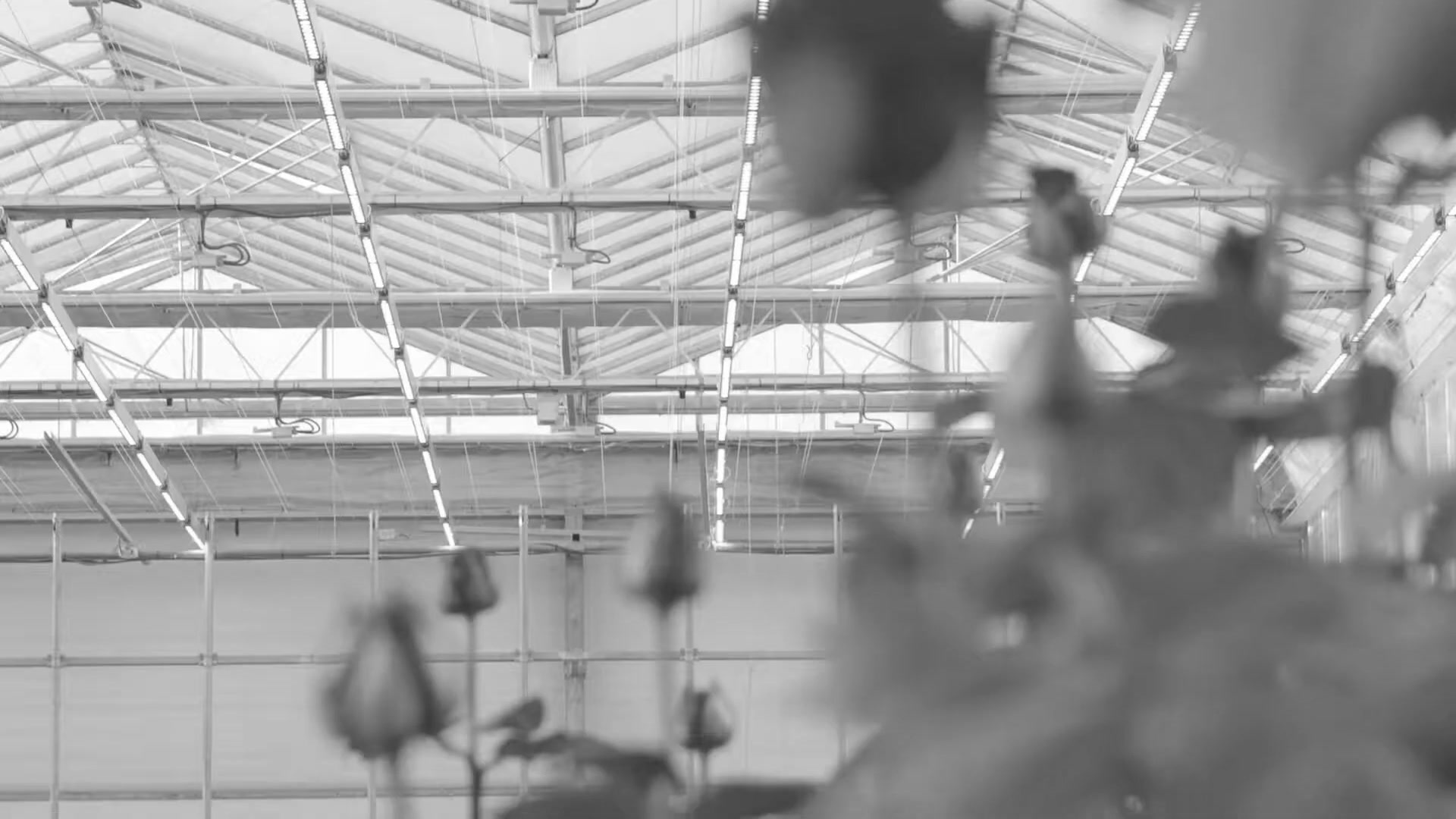
Output: tutorials/saturation-variations/01-grayscale/final/ containing 15 grayscale images
Visual Characteristics:
- Complete removal of all color
- Pure black and white conversion
- Tonal relationships preserved
- Focus shifts to form, texture, and composition
Pipeline Breakdown
1
2
3
4
5
- name: "grayscale"
  operation: "saturation"
  params:
    mode: "fixed"
    value: -1.0    # Factor = 0.0 → complete desaturation
What You’ll Learn
- Complete color removal for black and white conversion
- How desaturation preserves tonal values
- Artistic applications of grayscale imagery
Tutorial 2: Heavily Muted Colors
Goal: Create a heavily desaturated, washed-out aesthetic for documentary or melancholic mood.
Use Case: Documentary work, contemplative imagery, muted color palettes.
Running the Tutorial
1
sevenrad pipeline docs/tutorials/saturation-variations/02-heavily-muted.yaml
Expected Results
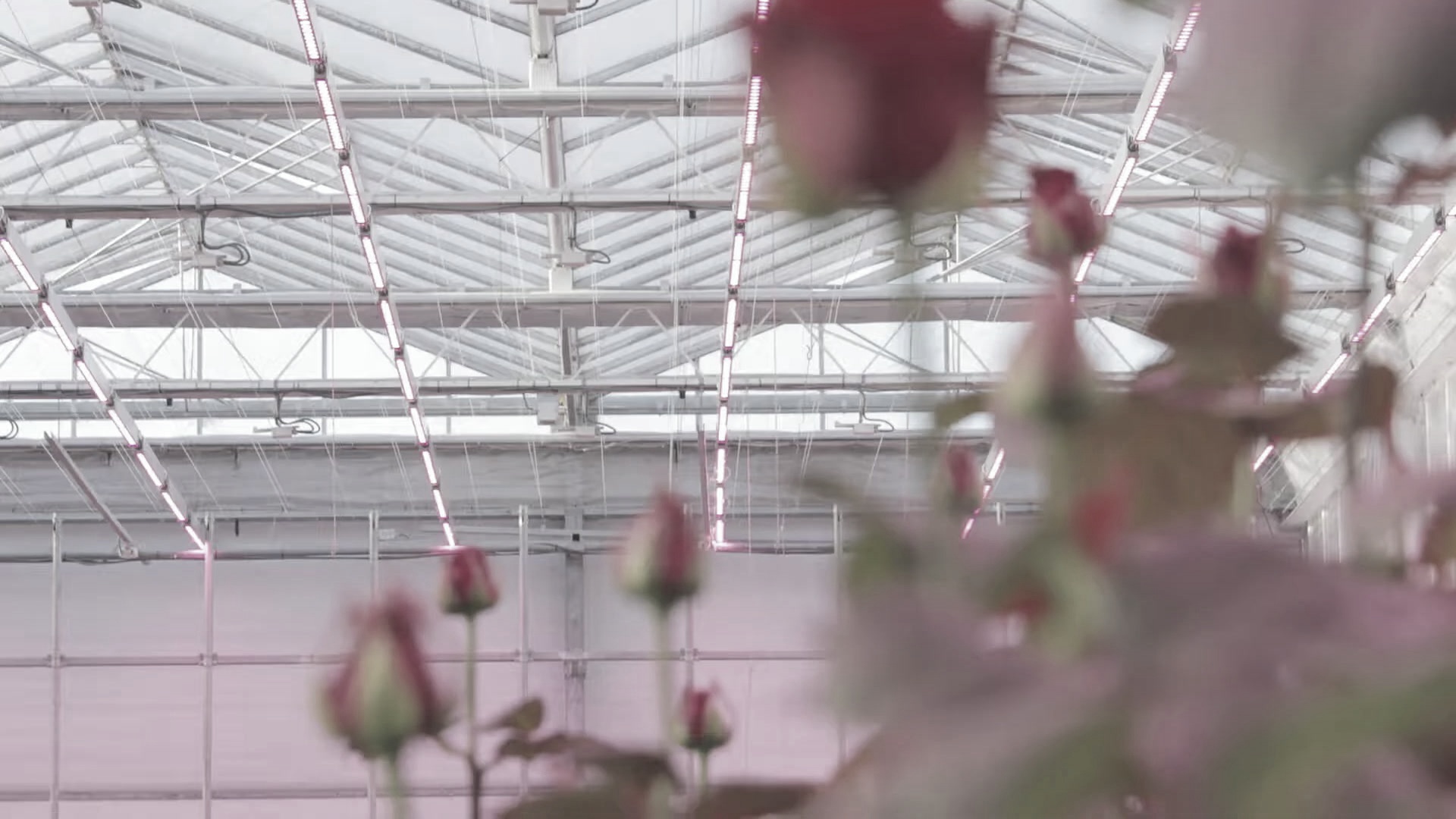
Output: tutorials/saturation-variations/02-heavily-muted/final/ containing 15 muted images
Visual Characteristics:
- Very muted, desaturated colors
- Washed-out appearance
- Melancholic or contemplative mood
- Colors present but heavily subdued
Pipeline Breakdown
1
2
3
4
5
- name: "heavily_muted"
  operation: "saturation"
  params:
    mode: "fixed"
    value: -0.6    # Factor = 0.4 → 40% of original saturation
What You’ll Learn
- Creating muted color palettes for mood
- Heavy desaturation while retaining some color
- Documentary-style color grading
Tutorial 3: Subtle Desaturation
Goal: Apply subtle, natural-looking desaturation for a film-like quality.
Use Case: Natural film-like aesthetic, reducing digital harshness, subtle artistic treatment.
Running the Tutorial
1
sevenrad pipeline docs/tutorials/saturation-variations/03-subtle-desaturation.yaml
Expected Results
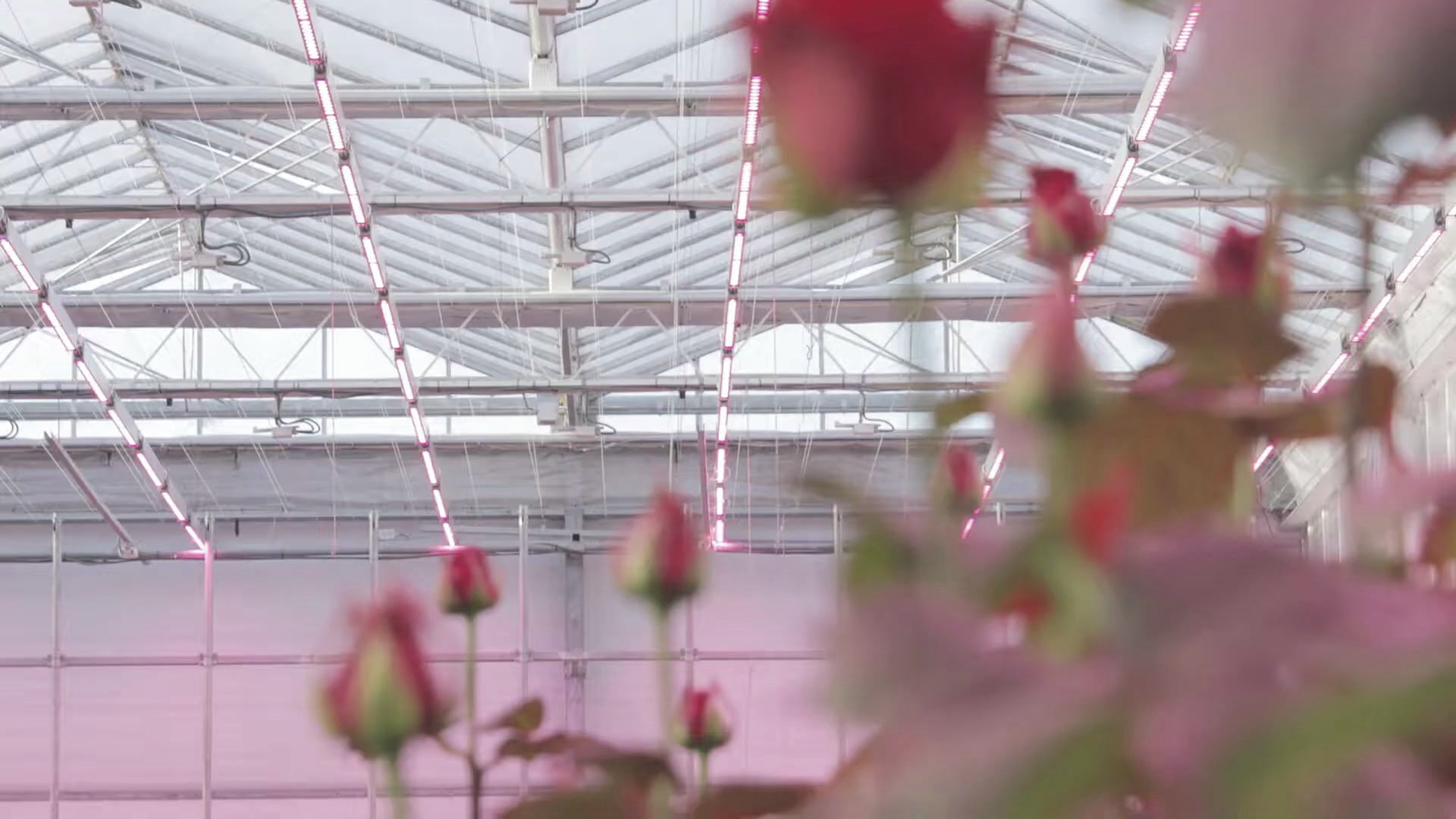
Output: tutorials/saturation-variations/03-subtle-desaturation/final/ containing 15 subtly muted images
Visual Characteristics:
- Slightly muted colors
- Natural, film-like appearance
- Subtle reduction in color intensity
- Most color information preserved
Pipeline Breakdown
1
2
3
4
5
- name: "subtle_desaturation"
  operation: "saturation"
  params:
    mode: "fixed"
    value: -0.2    # Factor = 0.8 → 80% of original saturation
What You’ll Learn
- Subtle color grading techniques
- Creating film-like color characteristics
- Balancing color reduction with natural appearance
Tutorial 4: Moderate Color Boost
Goal: Enhance colors for vibrant, punchy appearance without extreme oversaturation.
Use Case: Commercial photography, advertising, eye-catching visuals, product photography.
Running the Tutorial
1
sevenrad pipeline docs/tutorials/saturation-variations/04-moderate-boost.yaml
Expected Results
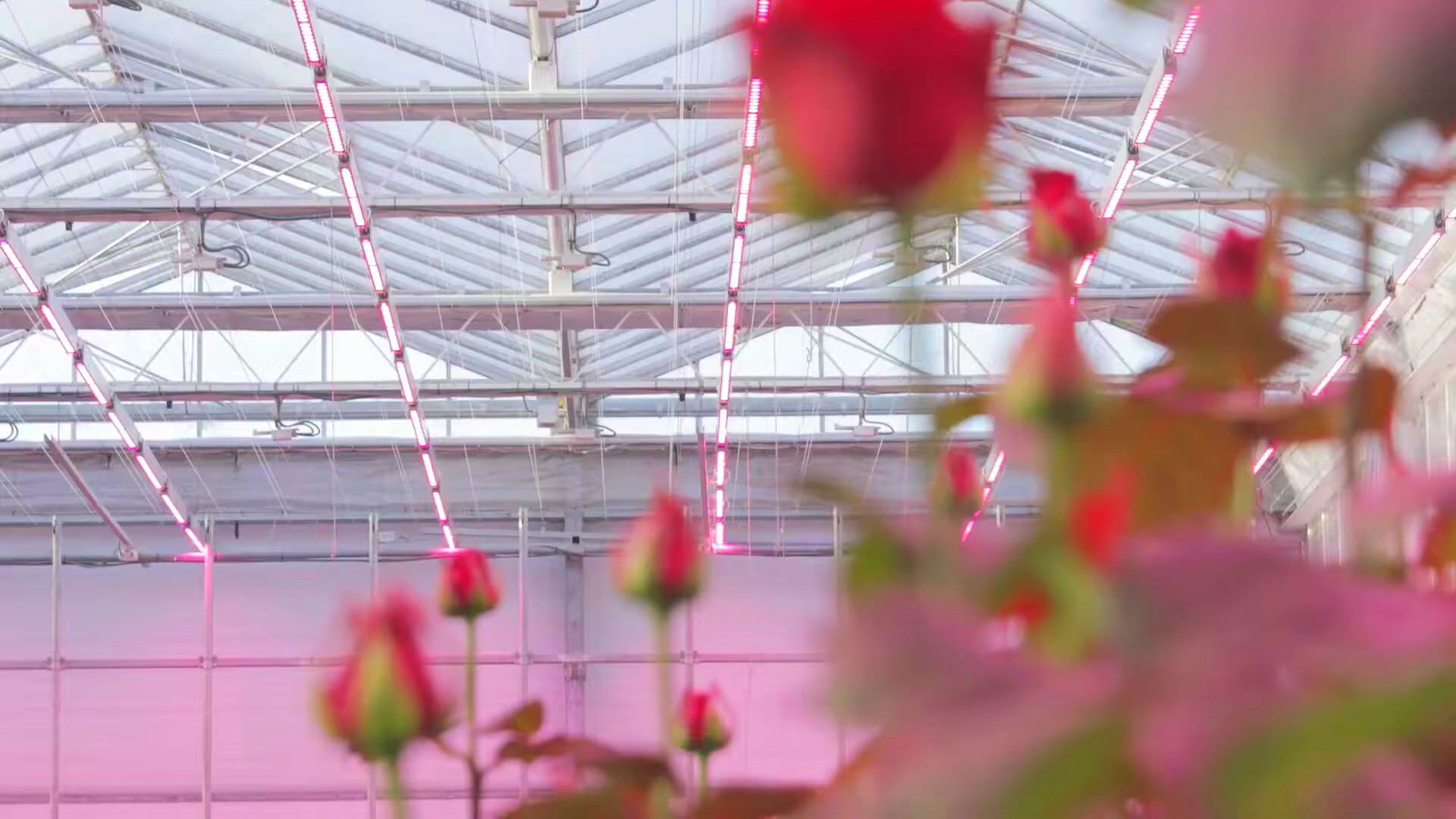
Output: tutorials/saturation-variations/04-moderate-boost/final/ containing 15 vibrant images
Visual Characteristics:
- Enhanced, vivid colors
- Increased color intensity
- Commercial/advertising aesthetic
- Punchy without appearing unnatural
Pipeline Breakdown
1
2
3
4
5
- name: "moderate_boost"
  operation: "saturation"
  params:
    mode: "fixed"
    value: 0.5     # Factor = 1.5 → 150% of original saturation
What You’ll Learn
- Enhancing colors for commercial appeal
- Finding the balance between vivid and oversaturated
- Creating punchy, eye-catching imagery
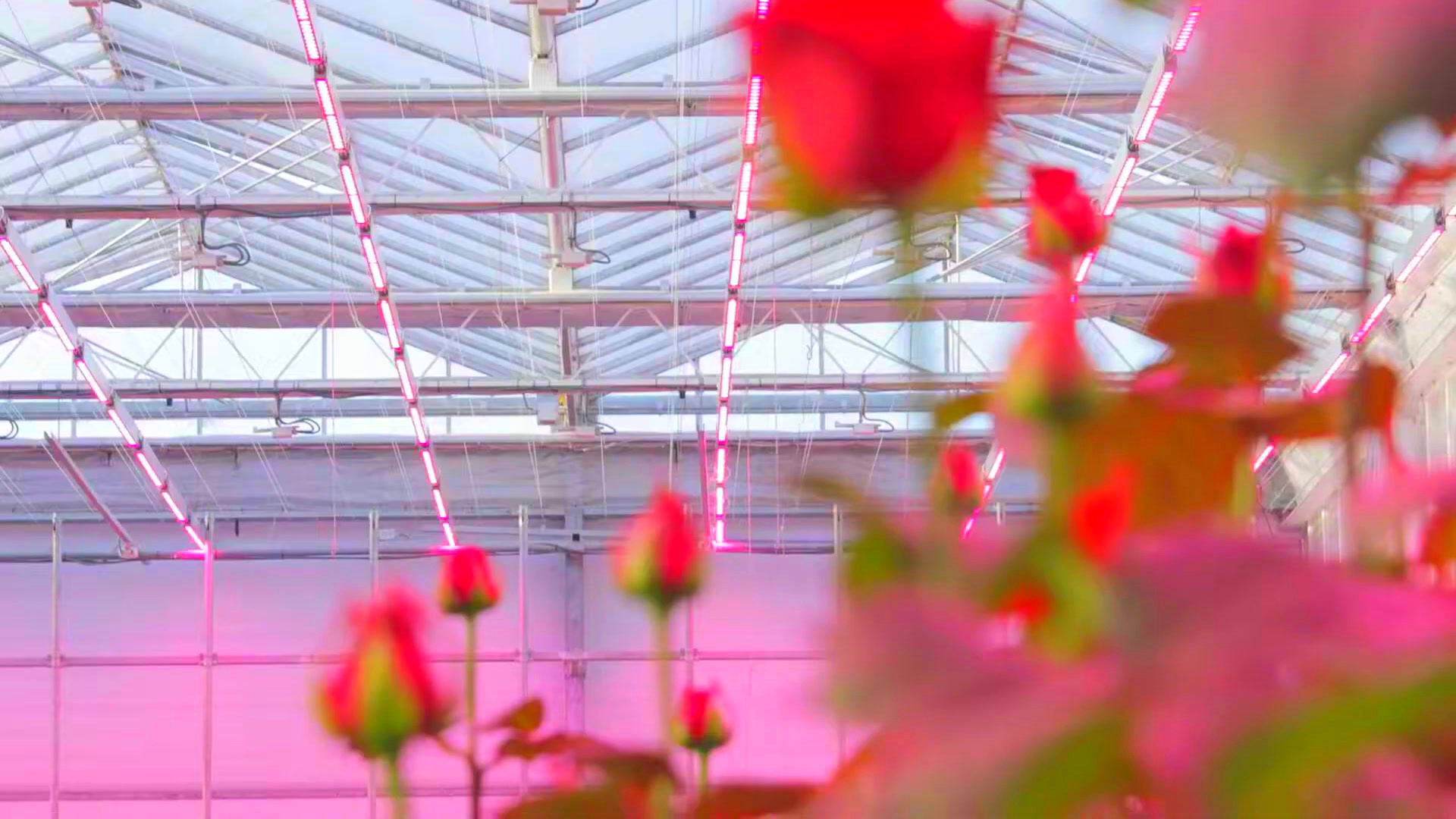
Tutorial 5: Heavy Saturation Boost
Goal: Create extremely saturated, surreal colors for artistic or abstract effects.
Use Case: Digital art, surreal imagery, psychedelic aesthetics, experimental photography.
Running the Tutorial
1
sevenrad pipeline docs/tutorials/saturation-variations/05-heavy-boost.yaml
Expected Results
Output: tutorials/saturation-variations/05-heavy-boost/final/ containing 15 hyper-saturated images
Visual Characteristics:
- Hyper-saturated, intense colors
- Surreal, otherworldly appearance
- Artistic/abstract aesthetic
- Colors beyond natural appearance
Pipeline Breakdown
1
2
3
4
5
- name: "heavy_boost"
  operation: "saturation"
  params:
    mode: "fixed"
    value: 1.5     # Factor = 2.5 → 250% of original saturation
What You’ll Learn
- Creating surreal color effects
- Extreme saturation for artistic purposes
- Pushing saturation beyond natural limits
Tutorial 6: Saturation Comparison Grid
Goal: Generate all saturation levels in a single run for direct comparison.
Use Case: Understanding parameter ranges, creating visual comparisons, educational demonstrations.
Running the Tutorial
1
sevenrad pipeline docs/tutorials/saturation-variations/06-comparison-grid.yaml
Expected Results
Output: All 6 saturation levels in tutorials/saturation-variations/06-comparison-grid/intermediate/
Generated Images:
sat_grayscale_*_step00.jpg(value: -1.0)sat_heavy_muted_*_step01.jpg(value: -0.6)sat_subtle_muted_*_step02.jpg(value: -0.2)sat_original_*_step03.jpg(value: 0.0)sat_moderate_boost_*_step04.jpg(value: 0.5)sat_heavy_boost_*_step05.jpg(value: 1.5)
Visual Characteristics:
- Complete saturation spectrum in one pipeline
- Side-by-side comparison of all levels
- Progressive increase from grayscale to hyper-saturated
Saturation Progression:
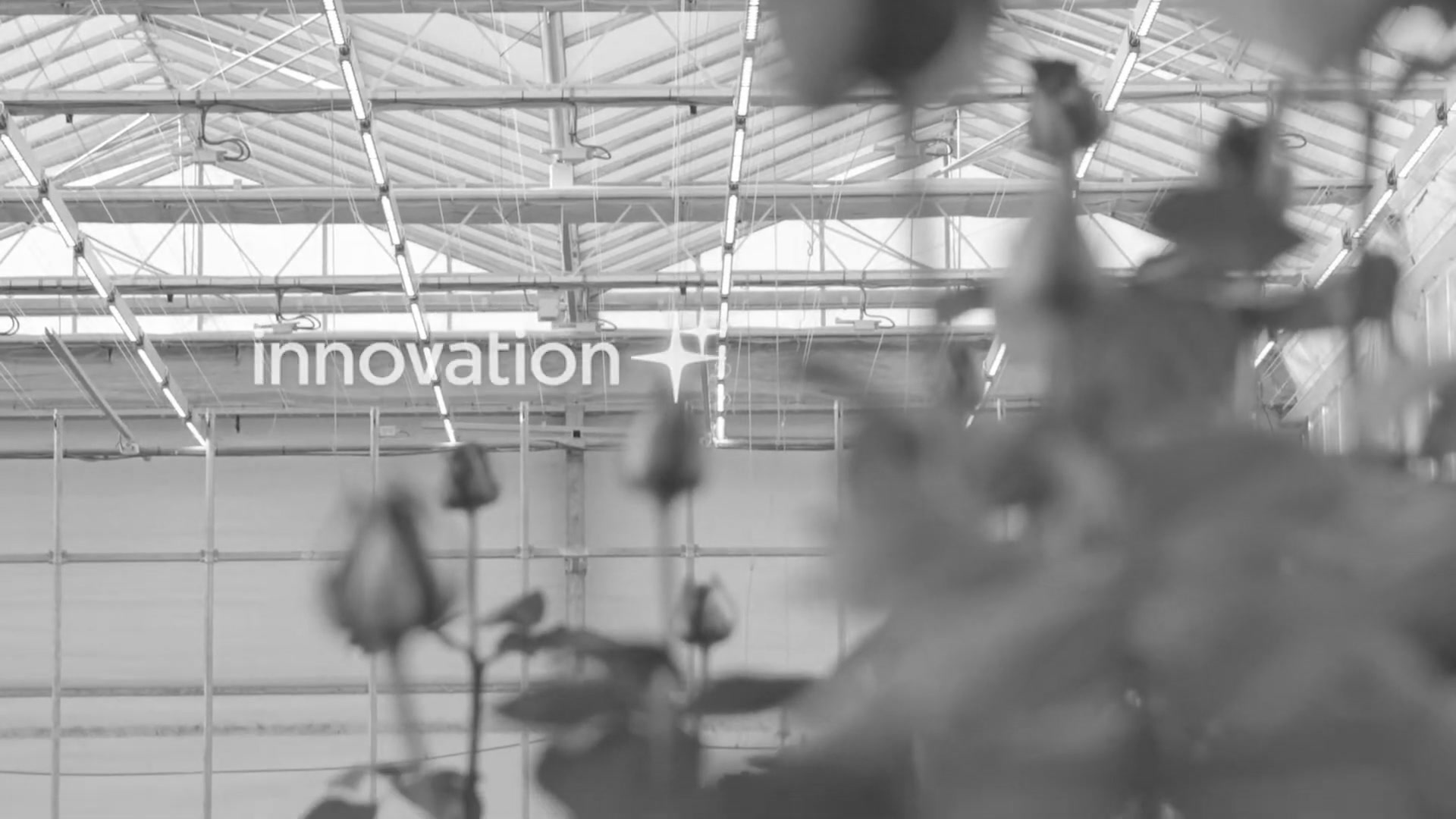 Step 1: Grayscale (value: -1.0)
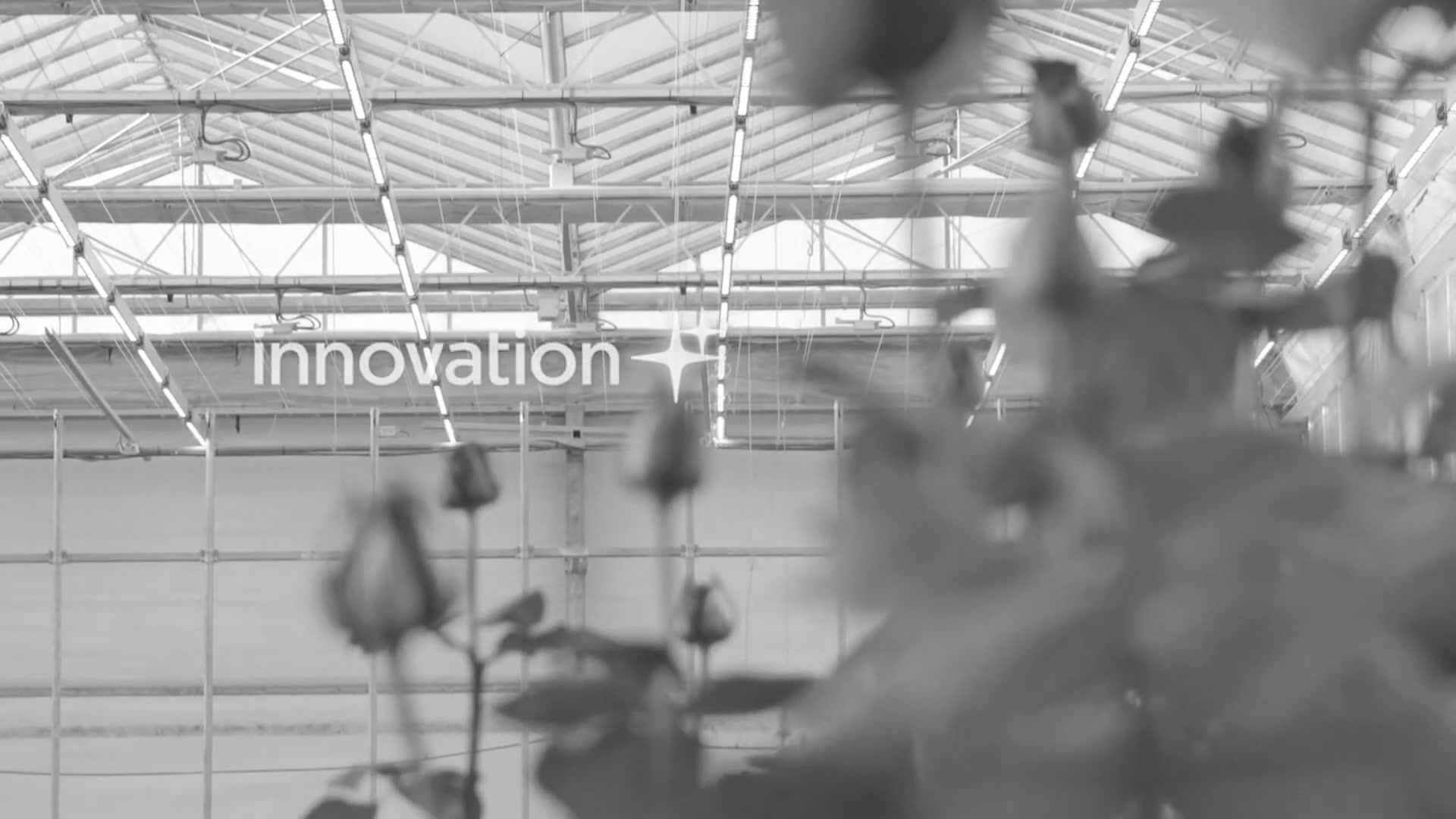 Step 2: Heavy Muted (value: -0.6)
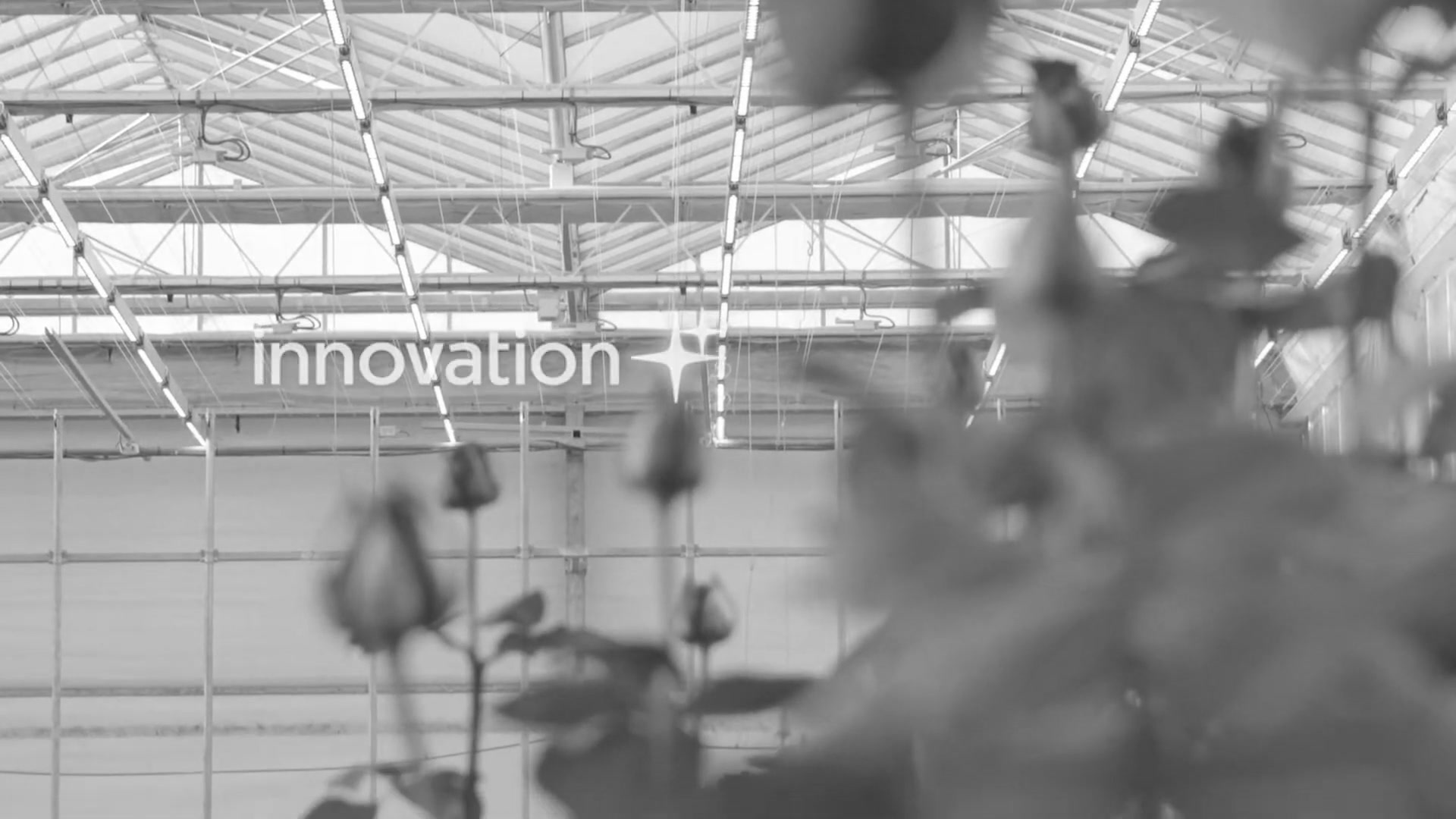 Step 3: Subtle Muted (value: -0.2)
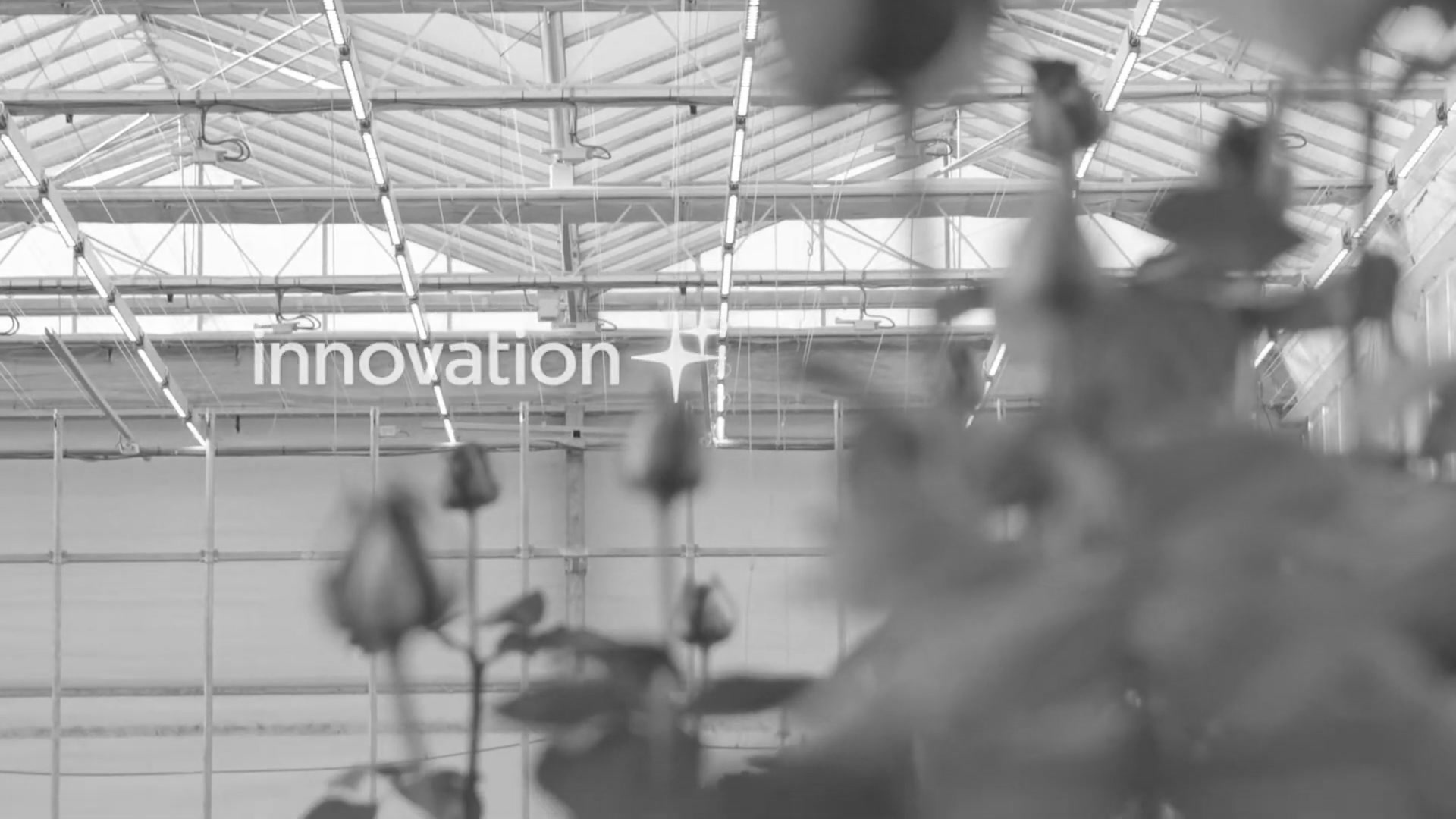 Step 4: Original (value: 0.0)
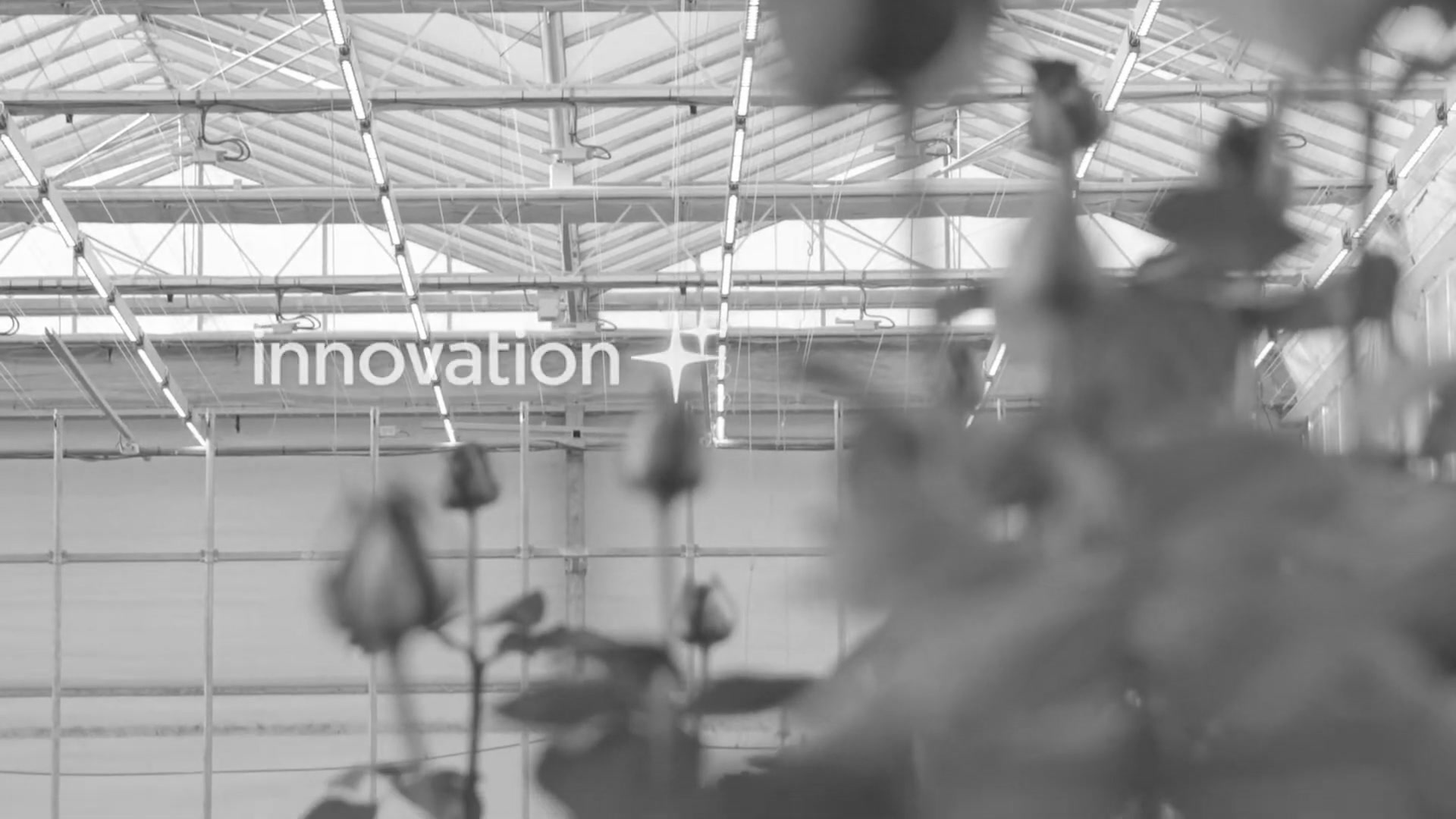 Step 5: Moderate Boost (value: 0.5)
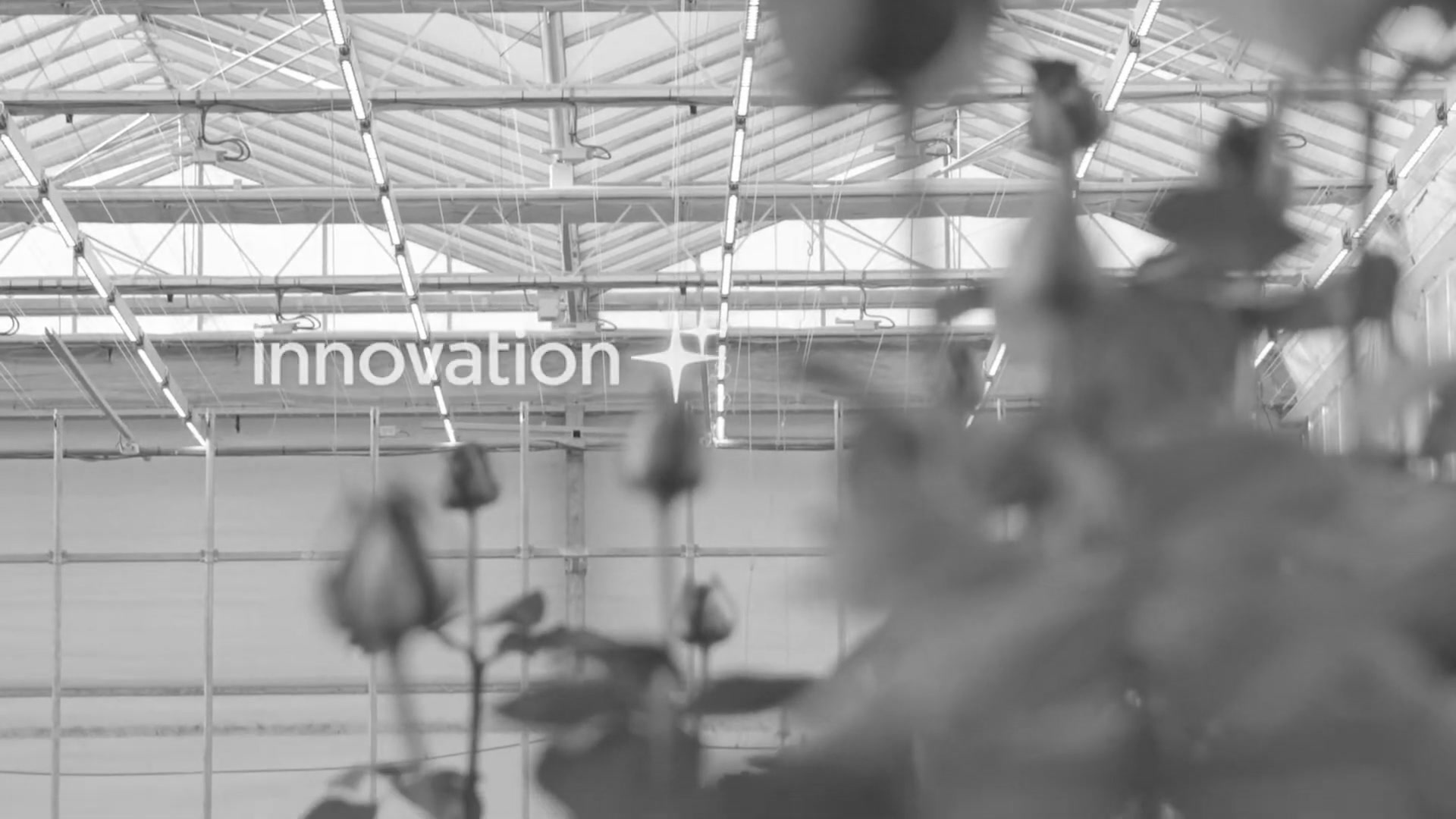 Step 6: Heavy Boost (value: 1.5)
Pipeline Breakdown
1
2
3
4
5
6
7
8
9
10
11
12
13
14
15
16
17
18
19
20
steps:
  - name: "sat_grayscale"
    operation: "saturation"
    params:
      mode: "fixed"
      value: -1.0    # Complete grayscale

  - name: "sat_heavy_muted"
    operation: "saturation"
    params:
      mode: "fixed"
      value: -0.6    # Heavily muted

  # ... (continues through all 6 levels)

  - name: "sat_heavy_boost"
    operation: "saturation"
    params:
      mode: "fixed"
      value: 1.5     # Hyper-saturated
What You’ll Learn
- Complete saturation range in a single pipeline
- Comparing multiple saturation levels
- Understanding the visual impact of different values
- Creating educational comparison grids
Advanced Topics
Combining with Other Operations
Saturation works exceptionally well when combined with other operations:
Muted VHS Aesthetic
1
2
3
4
5
6
7
8
9
10
11
12
13
14
15
16
17
steps:
  - name: "desaturate"
    operation: "saturation"
    params:
      mode: "fixed"
      value: -0.4           # Muted colors

  - name: "scanlines"
    operation: "noise"
    params:
      mode: "row"
      amount: 0.08

  - name: "compress"
    operation: "compression"
    params:
      quality: 35
Hyper-Saturated Glitch Art
1
2
3
4
5
6
7
8
9
10
11
12
13
14
15
16
17
18
steps:
  - name: "boost_colors"
    operation: "saturation"
    params:
      mode: "fixed"
      value: 1.2            # Heavy saturation

  - name: "pixelate"
    operation: "downscale"
    params:
      scale: 0.1
      upscale: true
      upscale_method: "nearest"

  - name: "compress"
    operation: "compression"
    params:
      quality: 5
Random Saturation Mode
For adding natural variation across frame sequences:
1
2
3
4
5
6
- name: "natural_variation"
  operation: "saturation"
  params:
    mode: "random"
    range: [-0.15, 0.15]    # ±15% variation
    seed: 42                # For reproducibility
Use cases:
- Mimicking natural lighting variation
- Creating organic feel in still sequences
- Avoiding mechanical uniformity
Parameter Guidelines
Desaturation (negative values):
-1.0: Complete grayscale (black and white)-0.6 to -0.8: Heavy muting (documentary, melancholic)-0.2 to -0.4: Moderate muting (film-like, natural)-0.05 to -0.15: Subtle muting (corrective, slight reduction)
Saturation Boost (positive values):
0.05 to 0.15: Subtle enhancement (corrective)0.2 to 0.4: Moderate boost (commercial, vibrant)0.5 to 0.8: Strong boost (advertising, punchy)1.0+: Extreme boost (surreal, artistic, psychedelic)
Troubleshooting
Colors Not Changing
Problem: Saturation operation seems to have no effect
Solutions:
- Check the
valueparameter is not0.0(which leaves colors unchanged) - Verify operation name is spelled correctly:
saturation - Ensure
modeis set to"fixed"or"random" - Check that image has color channels (not already grayscale)
Unexpected Clipping/Posterization
Problem: Extreme saturation creates color banding
Solutions:
- This is expected with very high saturation values (>2.0)
- Reduce saturation value for more natural results
- Consider combining with slight blur to smooth transitions
- Use moderate values (0.3-0.8) for commercial work
Random Mode Not Reproducible
Problem: Random saturation changes each run
Solutions:
- Add
seedparameter for reproducibility:1 2 3 4
params: mode: "random" range: [-0.2, 0.2] seed: 42 # Ensures same results each run
Next Steps
After completing these tutorials:
- Experiment with values - Try different saturation levels between the examples
- Combine operations - Mix saturation with blur, compression, noise
- Create mood boards - Use different saturation levels for different moods
- Try random mode - Add variation across frame sequences
- Read comprehensive docs:
- Saturation Operation Reference - Complete parameter documentation
- Filter Guide - All operations and combinations
- YAML Pipeline System - Pipeline system details
Questions or Issues?
- Review Saturation Operation Reference for detailed specs
- Check Filter Guide for combination examples
- Report issues on the project repository
Happy experimenting with saturation variations!