Tutorial: Degradr Effects
Learn creative image degradation through hands-on examples. These tutorials demonstrate operations inspired by the degradr repository (MIT licensed), adapted to use NumPy/SciPy/scikit-image for PIL integration.
Prerequisites
- sevenrad-stills installed and configured (Installation Guide)
- YouTube video URL (replace placeholder URLs in examples)
- Basic familiarity with YAML pipeline system (YAML Pipeline System)
Tutorial Overview
Individual Operations
Learn each degradr operation through focused examples:
| Tutorial | Operation | Effect | Difficulty |
|---|---|---|---|
| 05-soft-glow | blur_gaussian | Dreamy softness | Beginner |
| 06-dreamy-bokeh | blur_circular | Lens-like blur | Beginner |
| 07-film-grain | noise (gaussian) | Analog film texture | Beginner |
| 08-vhs-lines | noise (row) | VHS scan lines | Beginner |
| 09-color-shift | chromatic_aberration | RGB fringing | Intermediate |
| 10-digital-mosaic | bayer_filter | Sensor artifacts | Intermediate |
Creative Combinations
Master multi-operation pipelines:
| Tutorial | Operations | Aesthetic | Difficulty |
|---|---|---|---|
| 01-vhs-scanlines | 4 operations | VHS playback | Advanced |
| 02-sensor-noise | 3 operations | High-ISO camera | Advanced |
| 03-lens-artifacts | 3 operations | Vintage photography | Advanced |
Individual Operations Tutorials
Tutorial 5: Soft Glow
Goal: Create dreamy softness using Gaussian blur.
Use Case: Portraits, ethereal atmospheres, soft focus photography.
Running the Tutorial
1
sevenrad pipeline docs/tutorials/degradr-effects/05-soft-glow.yaml
Expected Results
Output: tutorials/degradr-effects/soft-glow/final/ containing 105 images
Visual Characteristics:
- Smooth, dreamy softness
- Reduced sharpness and details
- Gentle glow effect
- Atmospheric quality
Example Output:
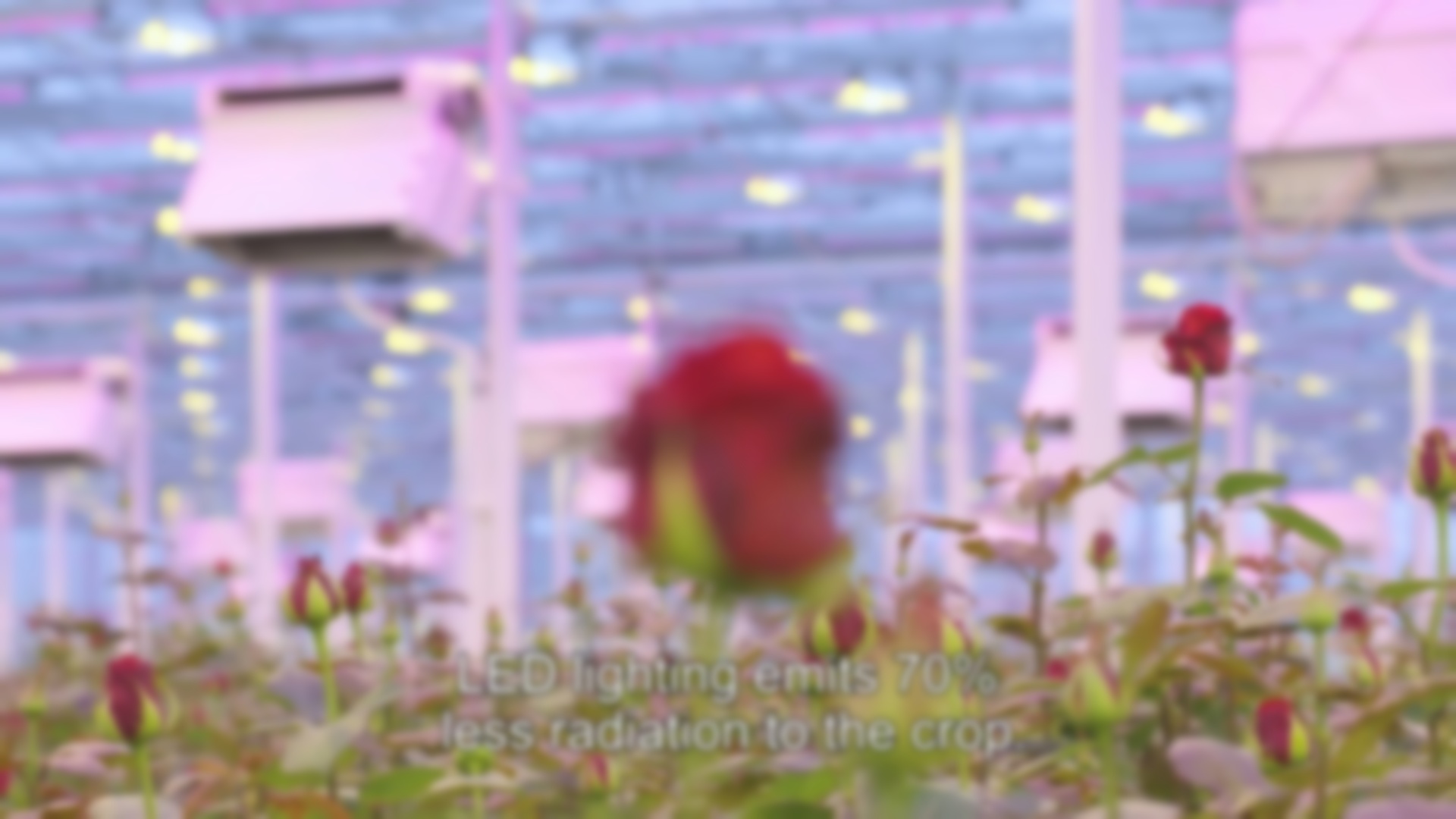 Result showing soft glow effect (sigma: 2.5)
Pipeline Breakdown
1
2
3
4
5
steps:
  - name: "soft_glow"
    operation: "blur_gaussian"
    params:
      sigma: 2.5
Parameter Explanation:
sigma: 2.5- Moderate blur for soft focus without losing recognizability
Video Segment: 52-59 seconds @ 15fps = 105 frames
What You’ll Learn
- Control blur intensity with sigma parameter
- Balance between softness and detail preservation
- Create atmospheric, dreamy aesthetics
Tutorial 6: Dreamy Bokeh
Goal: Simulate lens bokeh with circular blur kernels.
Use Case: Shallow depth of field, portrait backgrounds, artistic blur.
Running the Tutorial
1
sevenrad pipeline docs/tutorials/degradr-effects/06-dreamy-bokeh.yaml
Expected Results
Output: tutorials/degradr-effects/dreamy-bokeh/final/ containing 105 images
Visual Characteristics:
- Circular blur patterns
- Lens-like bokeh quality
- Distinct circular smoothing
- Professional photography feel
Example Output:
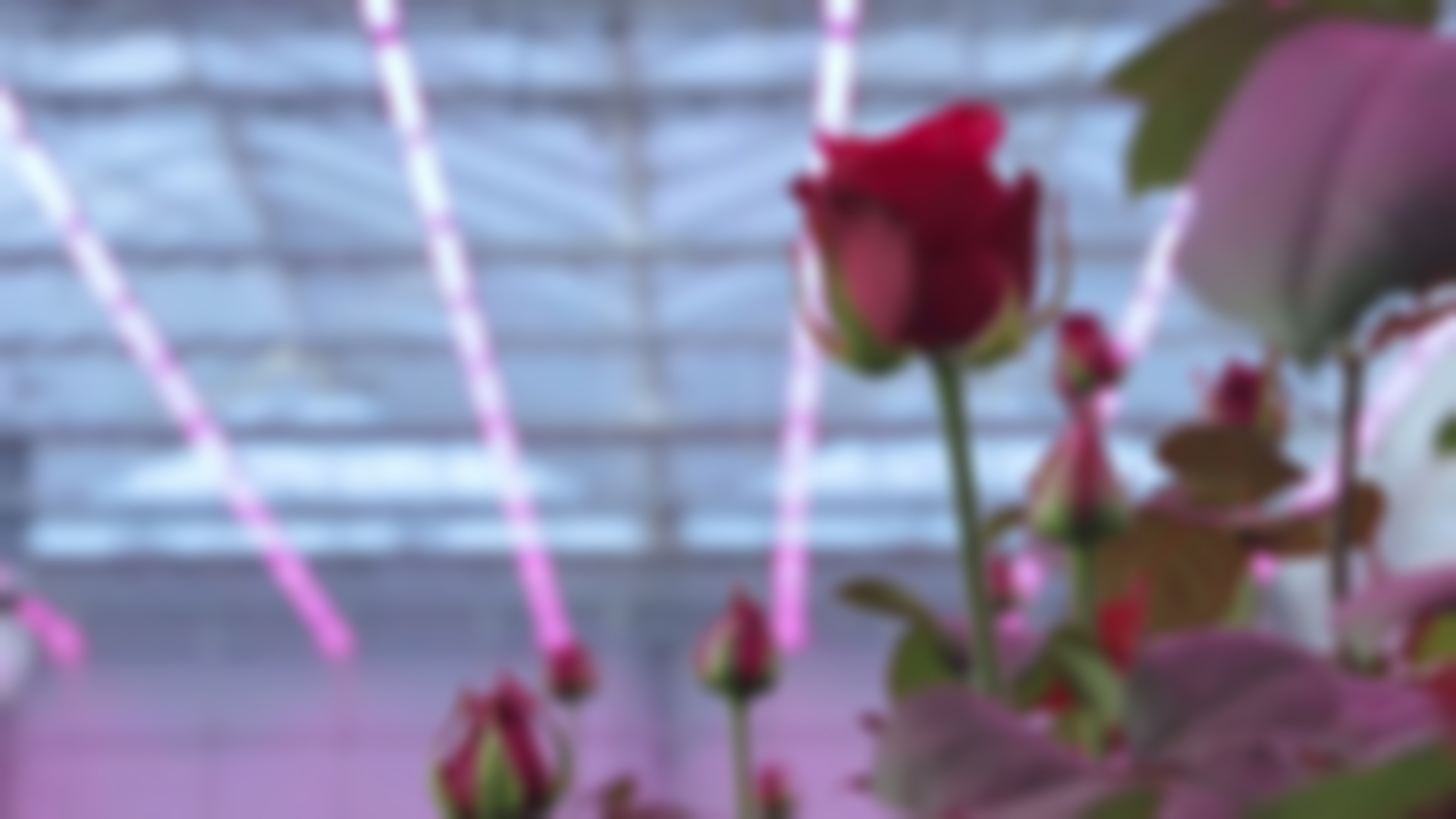 Result showing circular bokeh blur effect (radius: 10)
Pipeline Breakdown
1
2
3
4
5
steps:
  - name: "dreamy_bokeh"
    operation: "blur_circular"
    params:
      radius: 10
Parameter Explanation:
radius: 10- Moderate circular kernel for noticeable but not extreme bokeh
Video Segment: 52-59 seconds @ 15fps = 105 frames
What You’ll Learn
- Difference between Gaussian and circular blur
- Creating lens-like bokeh effects
- Radius selection for various intensities
Tutorial 7: Film Grain
Goal: Add analog film texture with Gaussian noise.
Use Case: Cinematic looks, retro photography, texture addition.
Running the Tutorial
1
sevenrad pipeline docs/tutorials/degradr-effects/07-film-grain.yaml
Expected Results
Output: tutorials/degradr-effects/film-grain/final/ containing 105 images
Visual Characteristics:
- Subtle pixel-level noise
- Film-like grain texture
- Organic, analog feel
- Consistent across frame
Example Output:
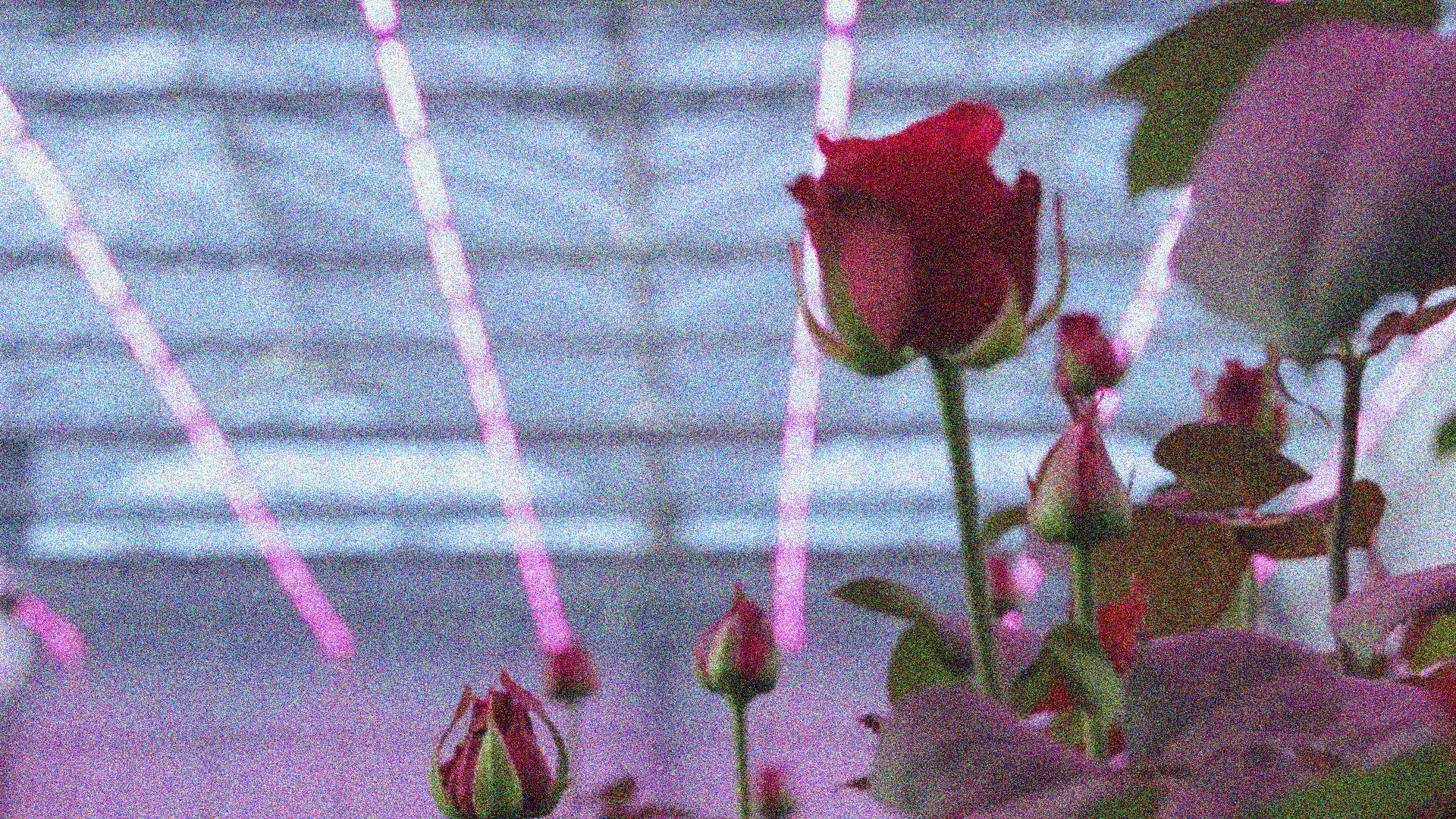 Result showing Gaussian noise film grain (amount: 0.05)
Pipeline Breakdown
1
2
3
4
5
6
7
steps:
  - name: "film_grain"
    operation: "noise"
    params:
      mode: "gaussian"
      amount: 0.05
      seed: 42
Parameter Explanation:
mode: "gaussian"- Per-pixel random noise distributionamount: 0.05- Subtle grain (5% noise intensity)seed: 42- Reproducible noise pattern
Video Segment: 90-97 seconds @ 15fps = 105 frames
What You’ll Learn
- Gaussian noise mode for film grain
- Controlling grain intensity
- Using seeds for reproducibility
Tutorial 8: VHS Scan Lines
Goal: Create VHS scan line artifacts with directional noise.
Use Case: Retro VHS aesthetic, 80s/90s nostalgia, glitch art.
Running the Tutorial
1
sevenrad pipeline docs/tutorials/degradr-effects/08-vhs-lines.yaml
Expected Results
Output: tutorials/degradr-effects/vhs-lines/final/ containing 105 images
Visual Characteristics:
- Horizontal scan line artifacts
- Row-based noise patterns
- VHS playback degradation
- Distinctive retro look
Example Output:
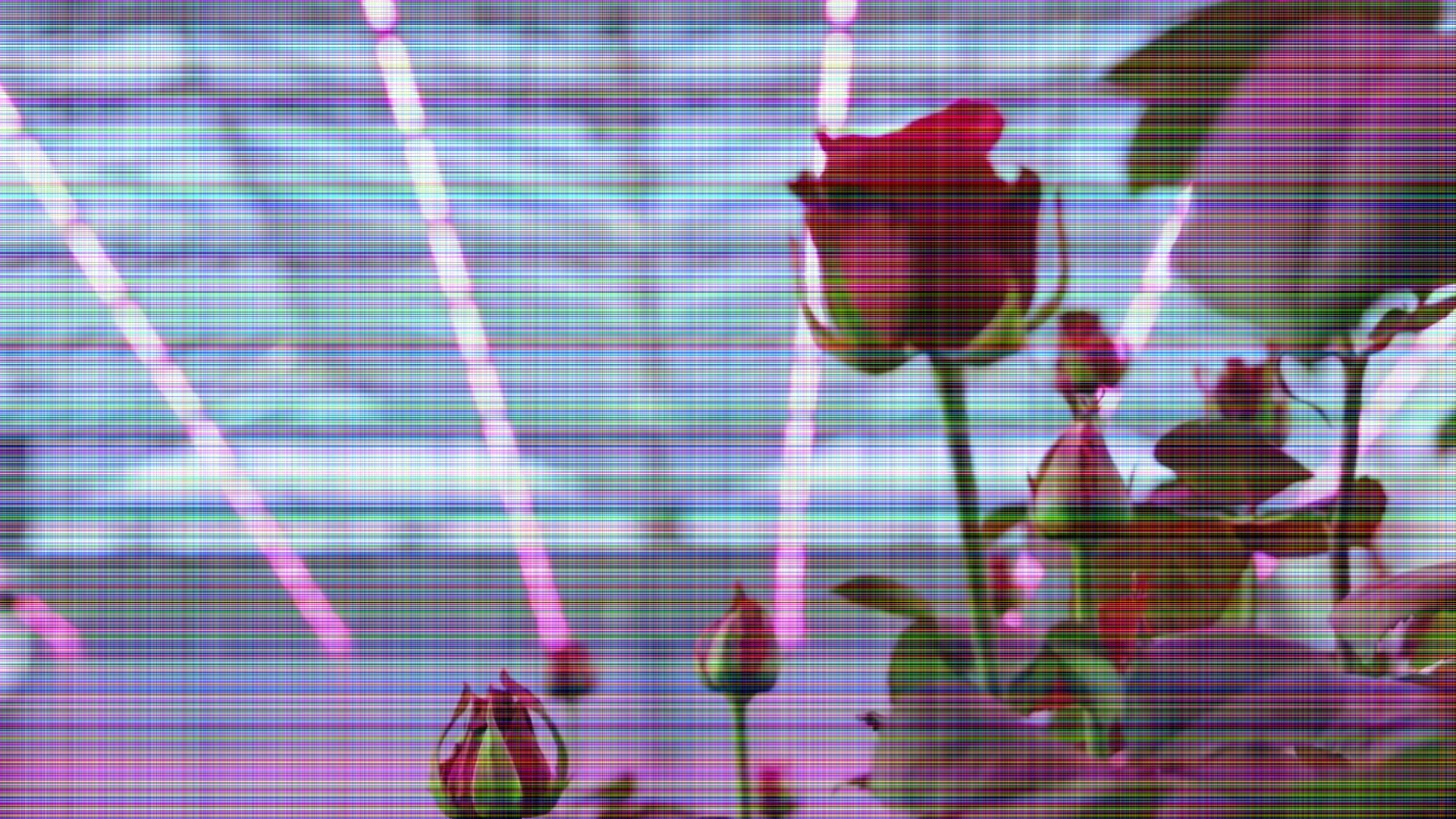 Result showing VHS scan line artifacts (mode: row, amount: 0.1)
Pipeline Breakdown
1
2
3
4
5
6
7
steps:
  - name: "vhs_lines"
    operation: "noise"
    params:
      mode: "row"
      amount: 0.1
      seed: 100
Parameter Explanation:
mode: "row"- Horizontal directional noise (one value per row)amount: 0.1- Moderate scan line intensityseed: 100- Consistent scan line pattern
Video Segment: 90-97 seconds @ 15fps = 105 frames
What You’ll Learn
- Row noise mode for horizontal artifacts
- Creating VHS-style scan lines
- Difference between gaussian and directional noise
Tutorial 9: Chromatic Color Fringing
Goal: Simulate lens chromatic aberration with RGB channel shifting.
Use Case: Optical imperfections, color fringing, glitch aesthetics.
Running the Tutorial
1
sevenrad pipeline docs/tutorials/degradr-effects/09-color-shift.yaml
Expected Results
Output: tutorials/degradr-effects/color-shift/final/ containing 105 images
Visual Characteristics:
- Red-cyan color fringing
- Edge separation effects
- Optical aberration look
- Lens imperfection simulation
Example Output:
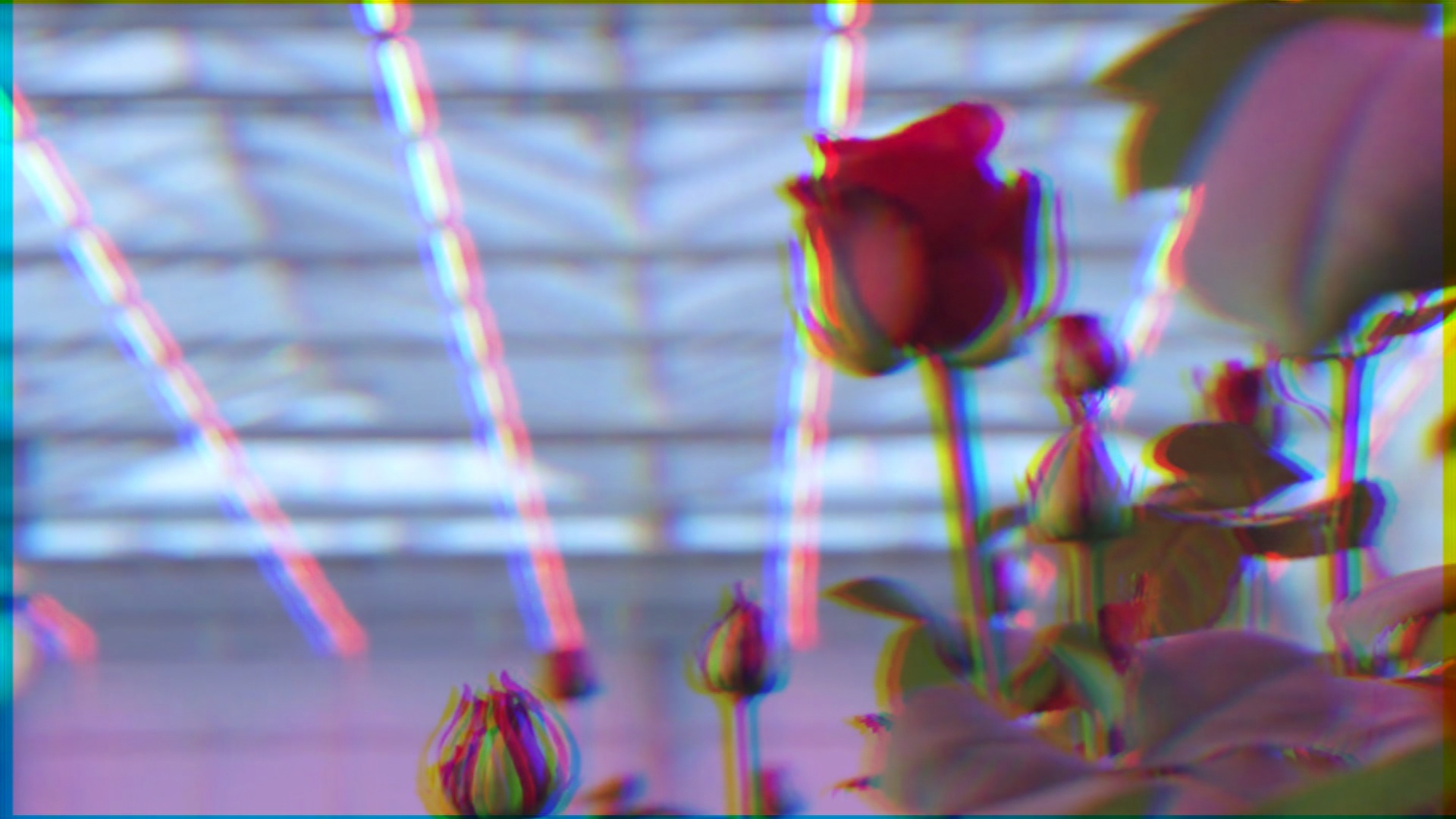 Result showing chromatic aberration with horizontal RGB fringing
Pipeline Breakdown
1
2
3
4
5
6
steps:
  - name: "color_shift"
    operation: "chromatic_aberration"
    params:
      shift_x: 5
      shift_y: 0
Parameter Explanation:
shift_x: 5- Horizontal shift (5 pixels)shift_y: 0- No vertical shift- Result: Red-cyan fringing on vertical edges
Video Segment: 52-59 seconds @ 15fps = 105 frames
What You’ll Learn
- RGB channel shifting mechanics
- Creating color fringing effects
- Horizontal vs vertical shift effects
Tutorial 10: Digital Sensor Patterns
Goal: Simulate digital camera Bayer filter sensor artifacts.
Use Case: Digital camera simulation, sensor noise, mosaic patterns.
Running the Tutorial
1
sevenrad pipeline docs/tutorials/degradr-effects/10-digital-mosaic.yaml
Expected Results
Output: tutorials/degradr-effects/digital-mosaic/final/ containing 105 images
Visual Characteristics:
- Color fringing at edges
- Moiré patterns on details
- Slight softening
- Digital sensor look
Example Output:
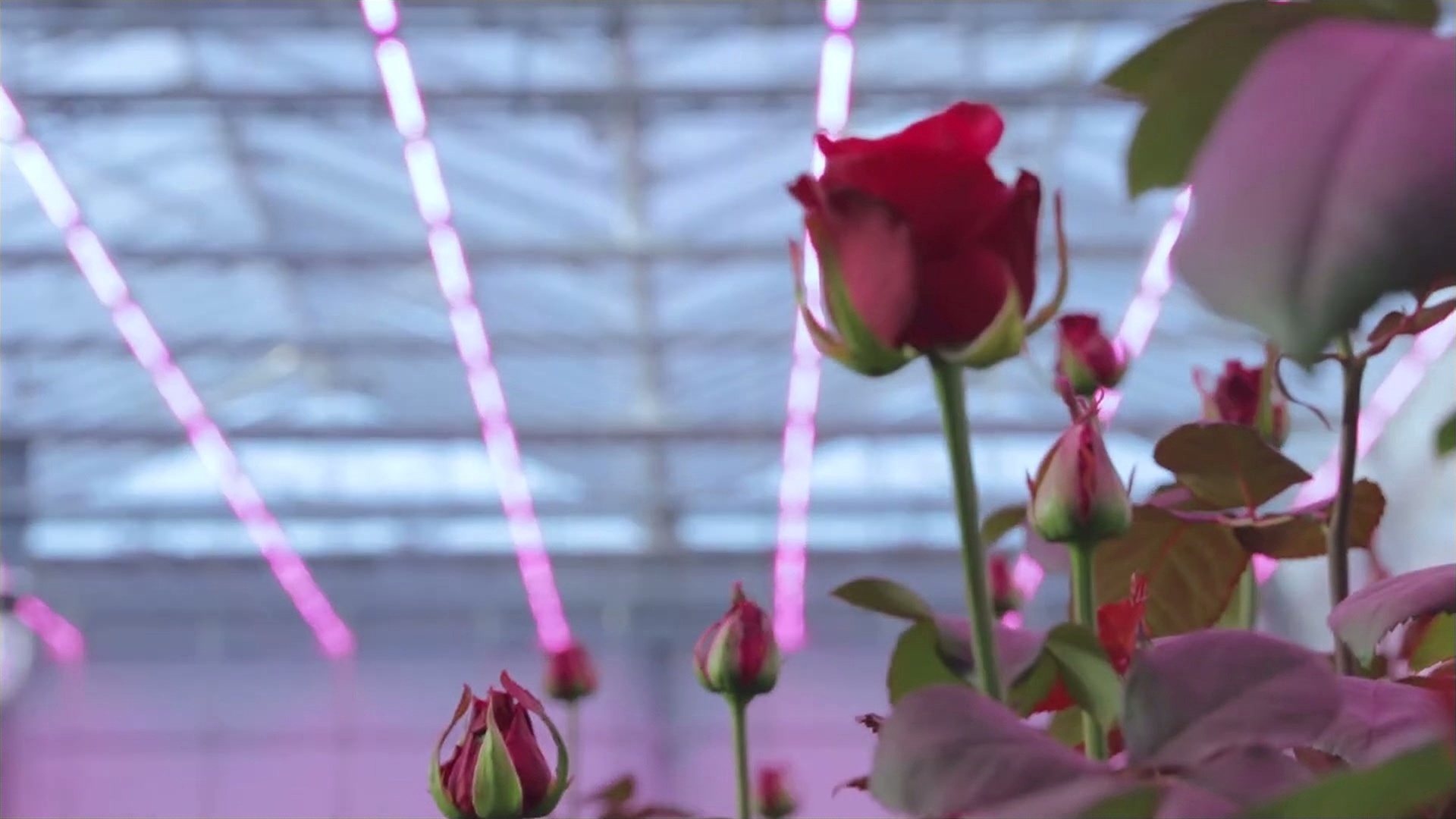 Result showing Bayer filter sensor artifacts (pattern: RGGB)
Pipeline Breakdown
1
2
3
4
5
steps:
  - name: "digital_mosaic"
    operation: "bayer_filter"
    params:
      pattern: "RGGB"
Parameter Explanation:
pattern: "RGGB"- Standard Bayer pattern (Red-Green-Green-Blue)- Creates typical digital camera sensor artifacts
Video Segment: 90-97 seconds @ 15fps = 105 frames
What You’ll Learn
- Bayer filter mosaicing and demosaicing
- Digital sensor artifact patterns
- Different Bayer pattern arrangements
Creative Combinations Tutorials
Tutorial 1: Complete VHS Tape Aesthetic
Goal: Recreate authentic VHS tape playback degradation through multi-operation pipeline.
Use Case: 80s/90s nostalgia, retro video art, analog media simulation.
Running the Tutorial
1
sevenrad pipeline docs/tutorials/degradr-effects/01-vhs-scanlines.yaml
Expected Results
Output: tutorials/degradr-effects/vhs-scanlines/final/ containing 45 images
Intermediate Steps:
color_shift/- Chromatic aberration appliedscanlines/- VHS scan lines addedvhs_blur/- Gaussian blur applied
Visual Characteristics:
- Color fringing from tape degradation
- Horizontal scan line artifacts
- Slight blur from analog playback
- Compression artifacts
- Authentic VHS tape feel
Visual Progression:
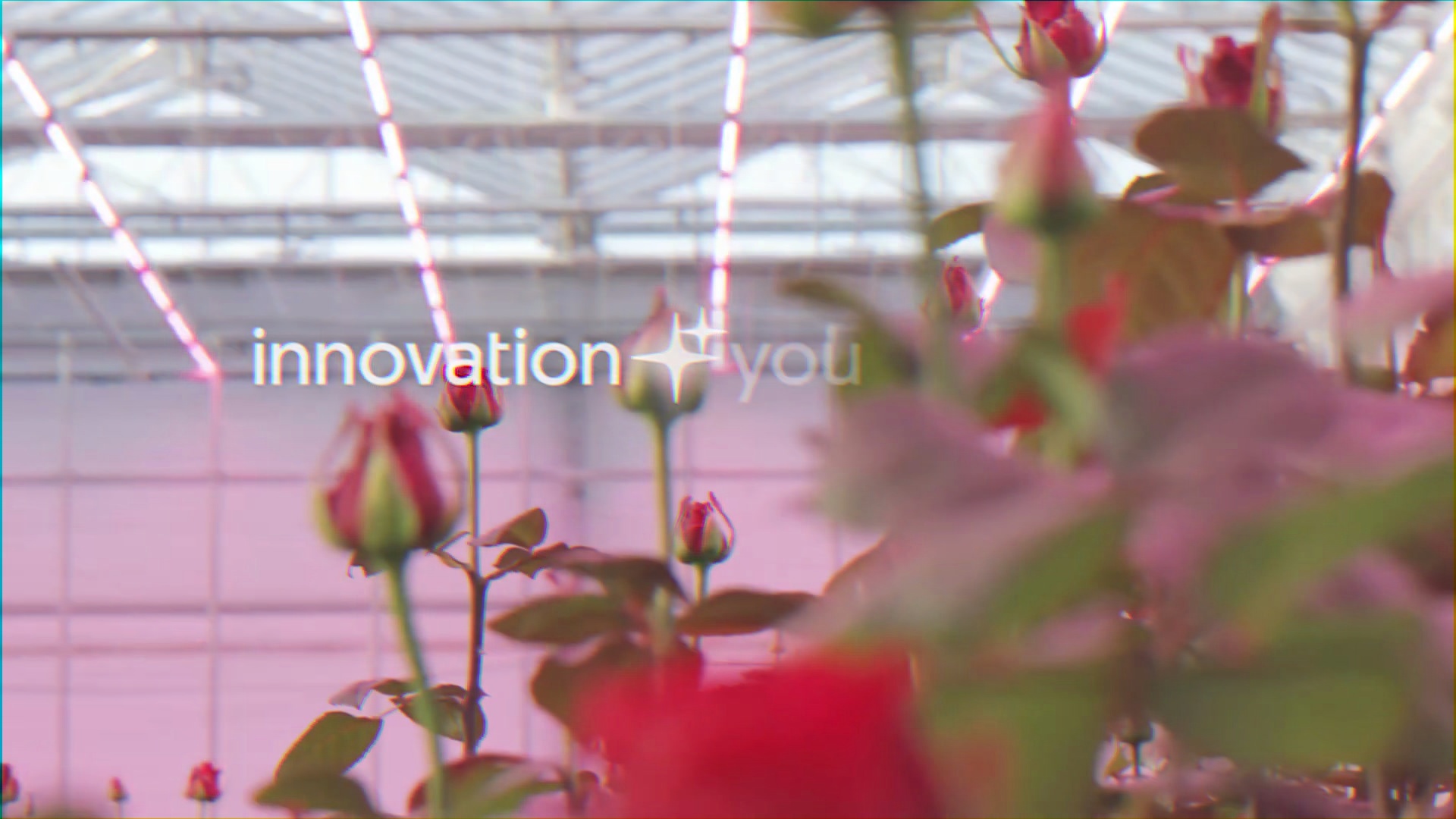 After Step 1: Chromatic Aberration (shift_x: 3)
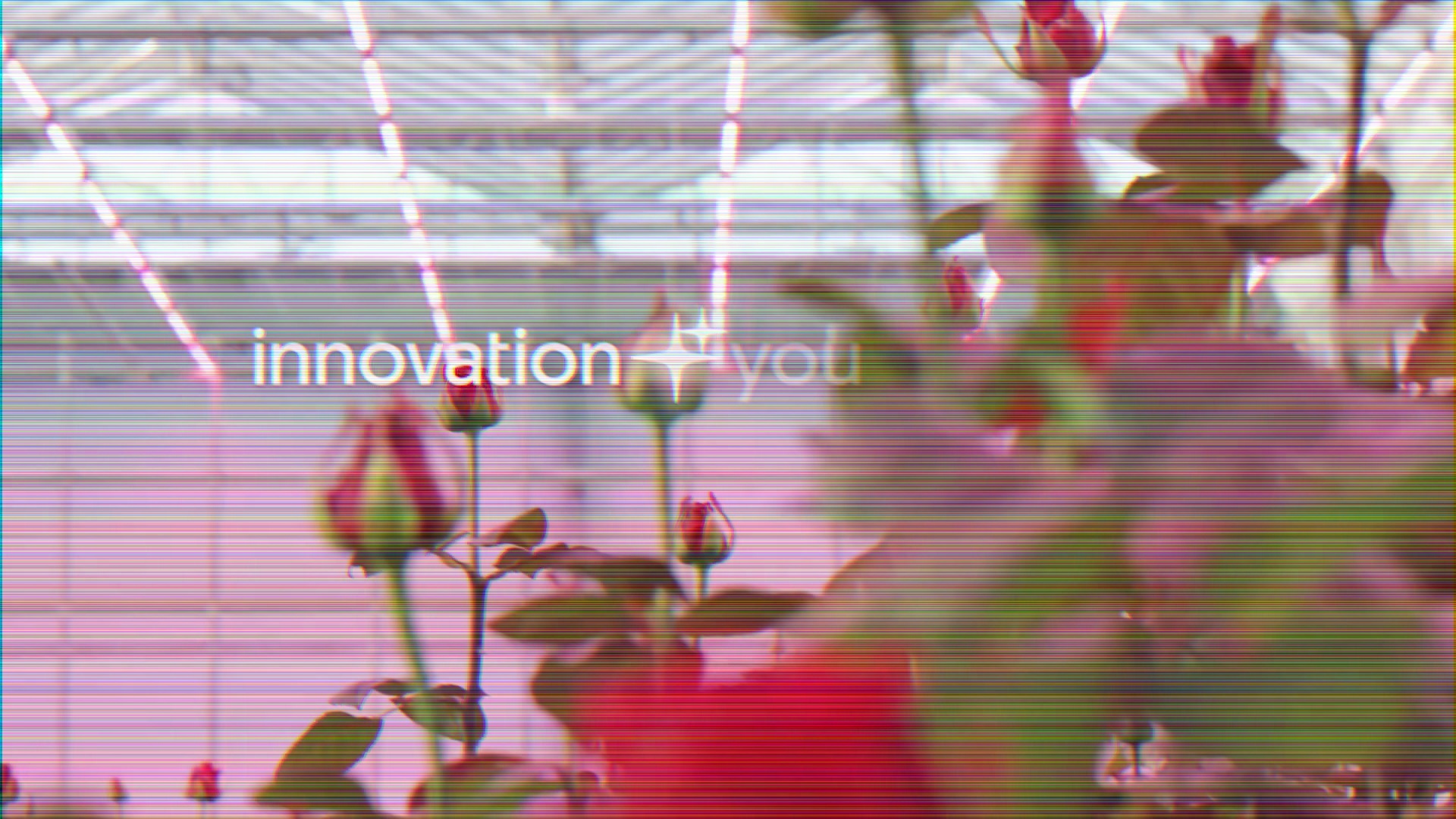 After Step 2: Row Noise Scan Lines (amount: 0.08)
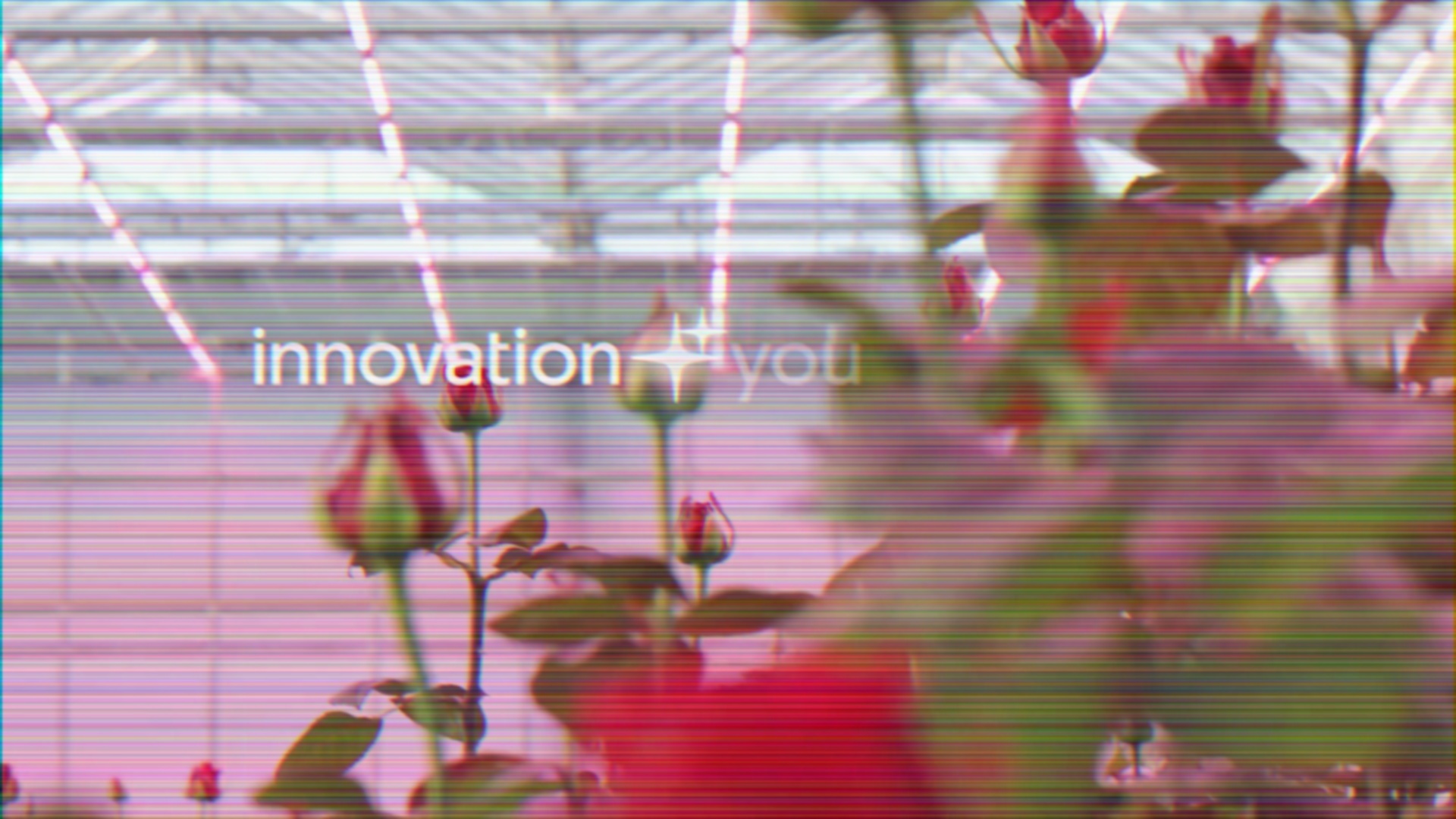 After Step 3: Gaussian Blur (sigma: 1.5)
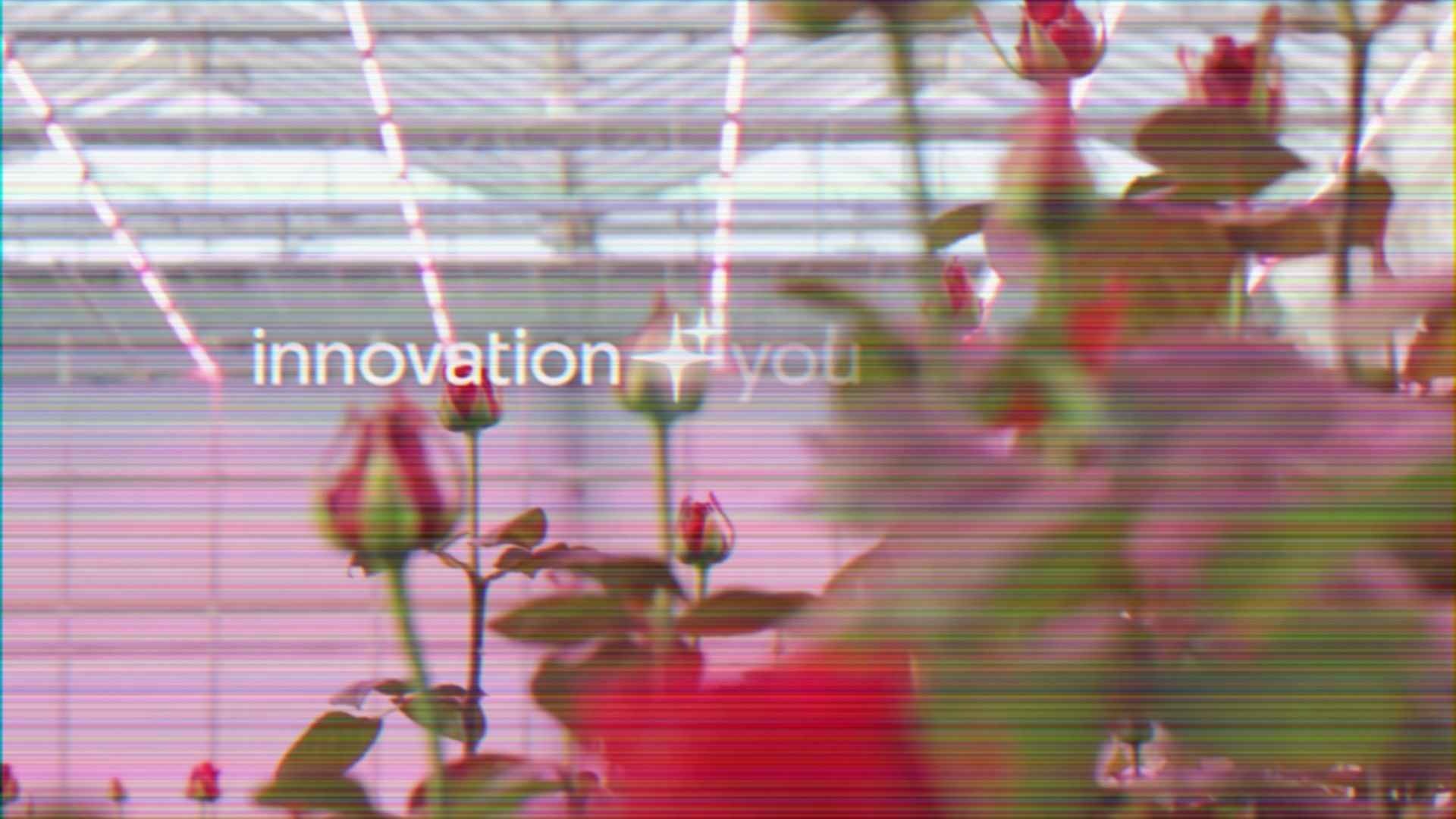 Final Result: After analog compression (quality: 35)
Pipeline Breakdown
1
2
3
4
5
6
7
8
9
10
11
12
13
14
15
16
17
18
19
20
21
22
23
24
25
26
27
28
steps:
  # Step 1: Color fringing
  - name: "color_shift"
    operation: "chromatic_aberration"
    params:
      shift_x: 3
      shift_y: 0

  # Step 2: Scan lines
  - name: "scanlines"
    operation: "noise"
    params:
      mode: "row"
      amount: 0.08
      seed: 42

  # Step 3: VHS blur
  - name: "vhs_blur"
    operation: "blur_gaussian"
    params:
      sigma: 1.5

  # Step 4: Analog compression
  - name: "vhs_compress"
    operation: "compression"
    params:
      quality: 35
      subsampling: 2
Parameter Explanation:
shift_x: 3- Subtle horizontal color shiftamount: 0.08- Moderate scan line intensitysigma: 1.5- Light blur for analog softnessquality: 35- Heavy compression typical of VHS
Video Segment: 192-195 seconds (3m12s-3m15s) @ 15fps = 45 frames
What You’ll Learn
- Layering multiple operations for cumulative effect
- Creating authentic period-specific aesthetics
- Operation ordering for VHS simulation
- Balancing parameters across pipeline
Tutorial 2: Digital Camera Simulation
Goal: Simulate high-ISO digital camera sensor output with noise and artifacts.
Use Case: Digital camera realism, sensor noise exploration, photography simulation.
Running the Tutorial
1
sevenrad pipeline docs/tutorials/degradr-effects/02-sensor-noise.yaml
Expected Results
Output: tutorials/degradr-effects/sensor-noise/final/ containing 45 images
Intermediate Steps:
sensor_mosaic/- Bayer filter appliedsensor_noise/- Gaussian noise added
Visual Characteristics:
- Bayer demosaicing artifacts
- Sensor noise grain
- Digital compression
- High-ISO camera look
Visual Progression:
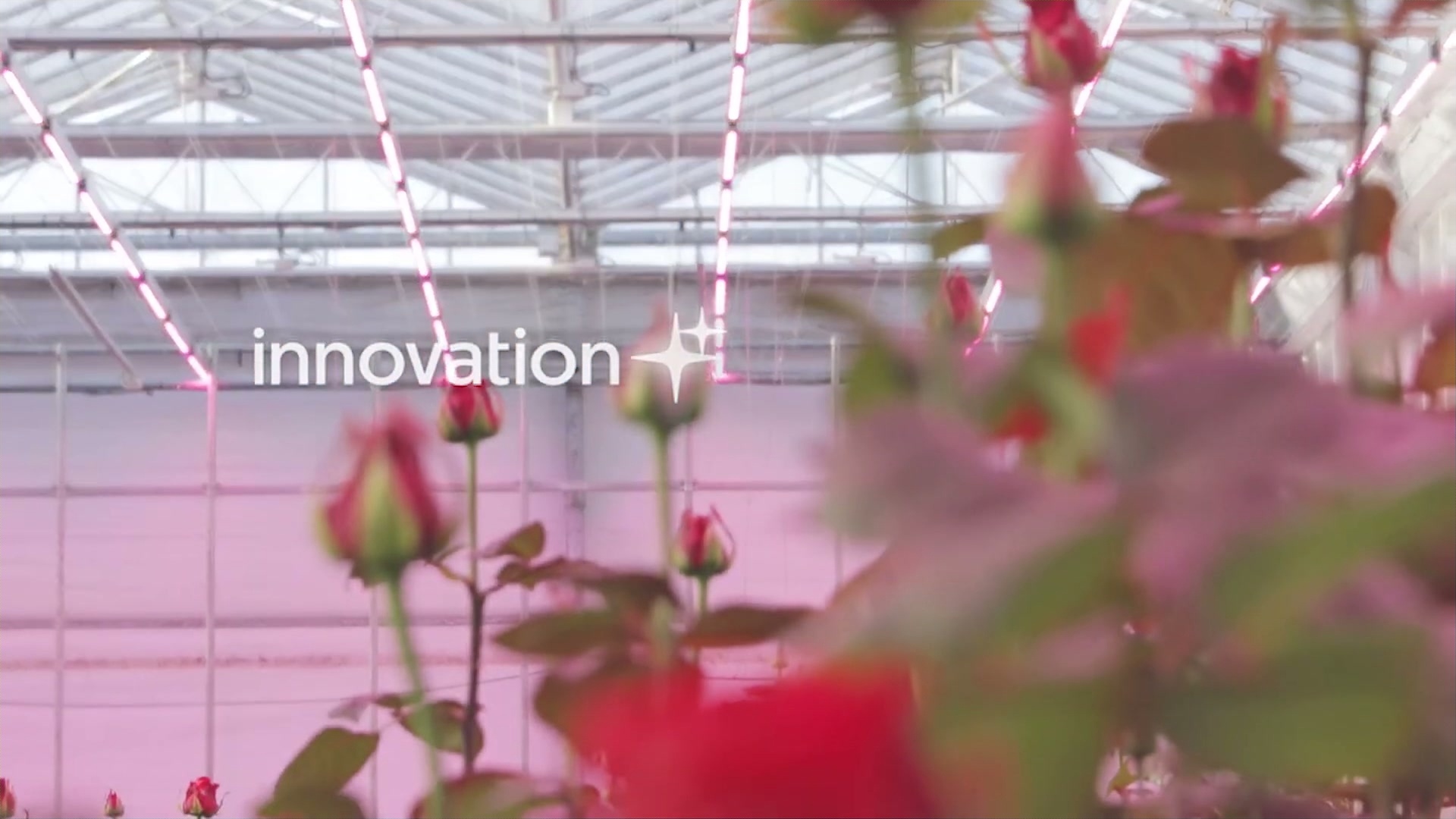 After Step 1: Bayer Filter (pattern: RGGB)
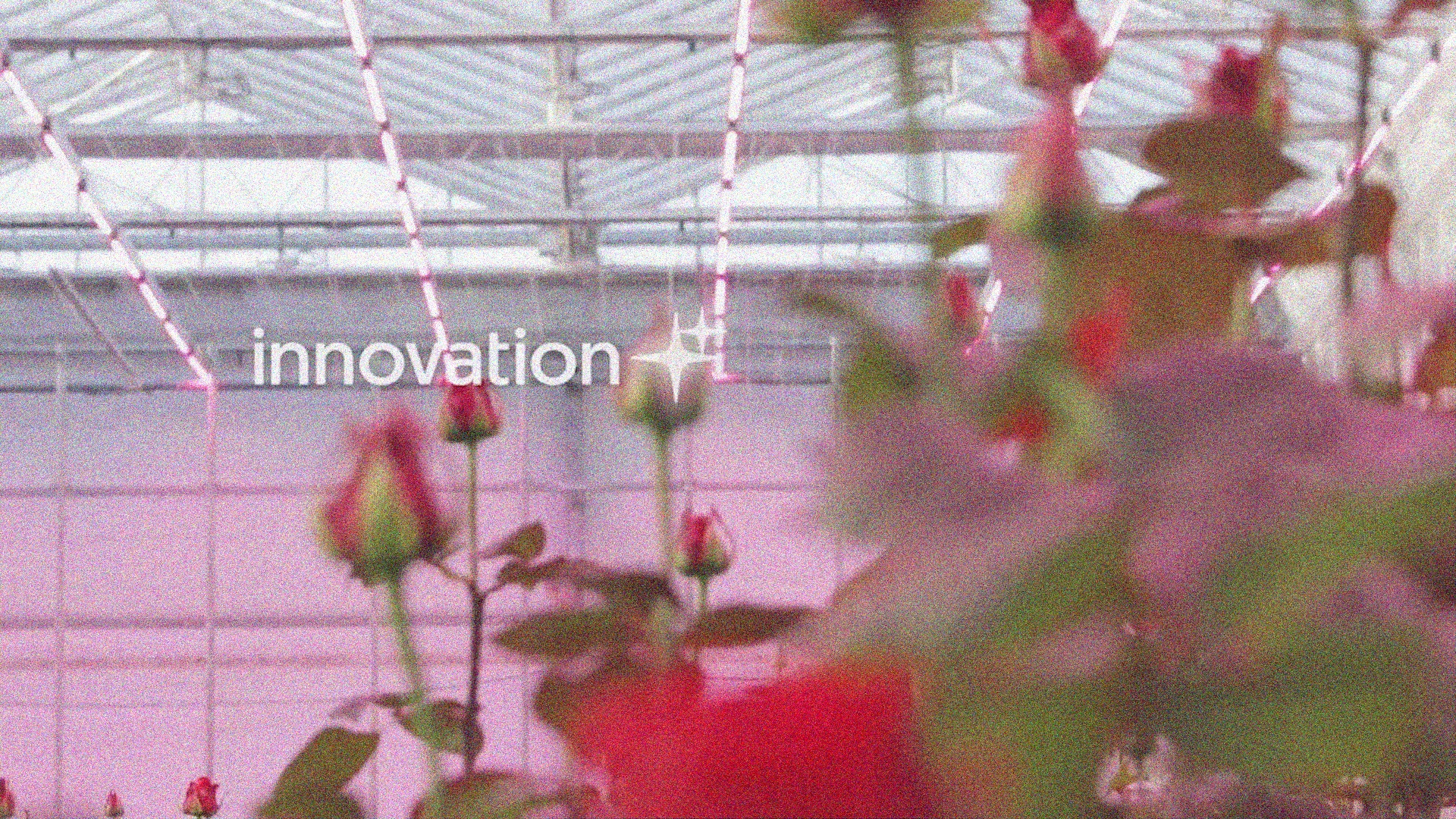 After Step 2: Gaussian Noise (amount: 0.04)
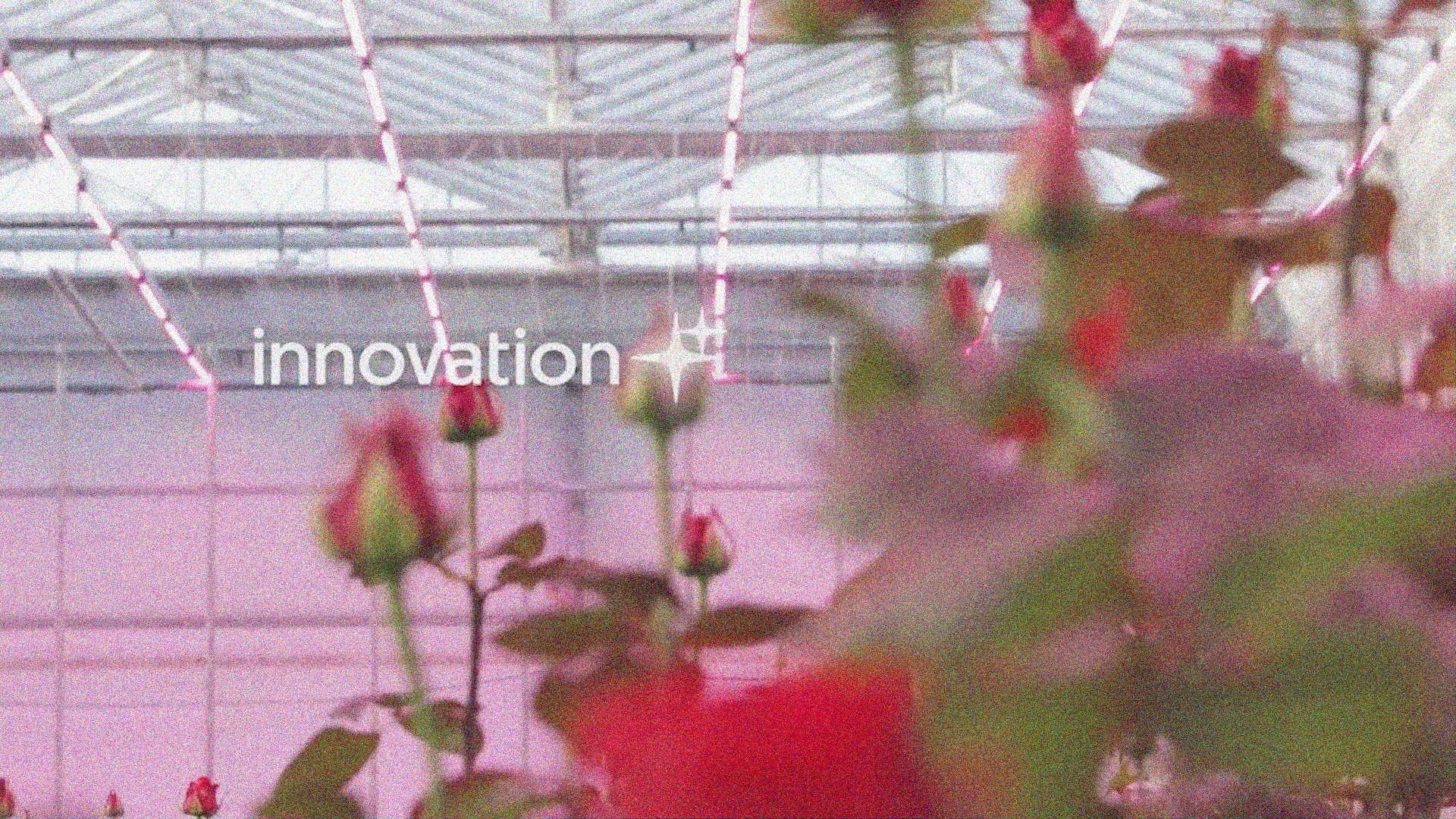 Final Result: After camera compression (quality: 85)
Pipeline Breakdown
1
2
3
4
5
6
7
8
9
10
11
12
13
14
15
16
17
18
19
20
21
steps:
  # Step 1: Sensor mosaic
  - name: "sensor_mosaic"
    operation: "bayer_filter"
    params:
      pattern: "RGGB"

  # Step 2: Sensor noise
  - name: "sensor_noise"
    operation: "noise"
    params:
      mode: "gaussian"
      amount: 0.04
      seed: 200

  # Step 3: Camera compression
  - name: "camera_compress"
    operation: "compression"
    params:
      quality: 85
      subsampling: 2
Parameter Explanation:
pattern: "RGGB"- Standard sensor patternamount: 0.04- Subtle noise typical of ISO 1600-3200quality: 85- High quality compression (in-camera JPEG)
Video Segment: 192-195 seconds @ 15fps = 45 frames
What You’ll Learn
- Digital sensor processing pipeline
- Combining Bayer filter with noise
- Realistic camera output simulation
Tutorial 3: Vintage Lens Character
Goal: Create vintage lens aesthetic with bokeh, aberration, and color enhancement.
Use Case: Dreamy photography, vintage portrait style, artistic character.
Running the Tutorial
1
sevenrad pipeline docs/tutorials/degradr-effects/03-lens-artifacts.yaml
Expected Results
Output: tutorials/degradr-effects/lens-artifacts/final/ containing 45 images
Intermediate Steps:
bokeh/- Circular blur appliedlens_aberration/- Chromatic aberration added
Visual Characteristics:
- Circular bokeh blur
- Color fringing at edges
- Enhanced saturation
- Vintage lens character
Visual Progression:
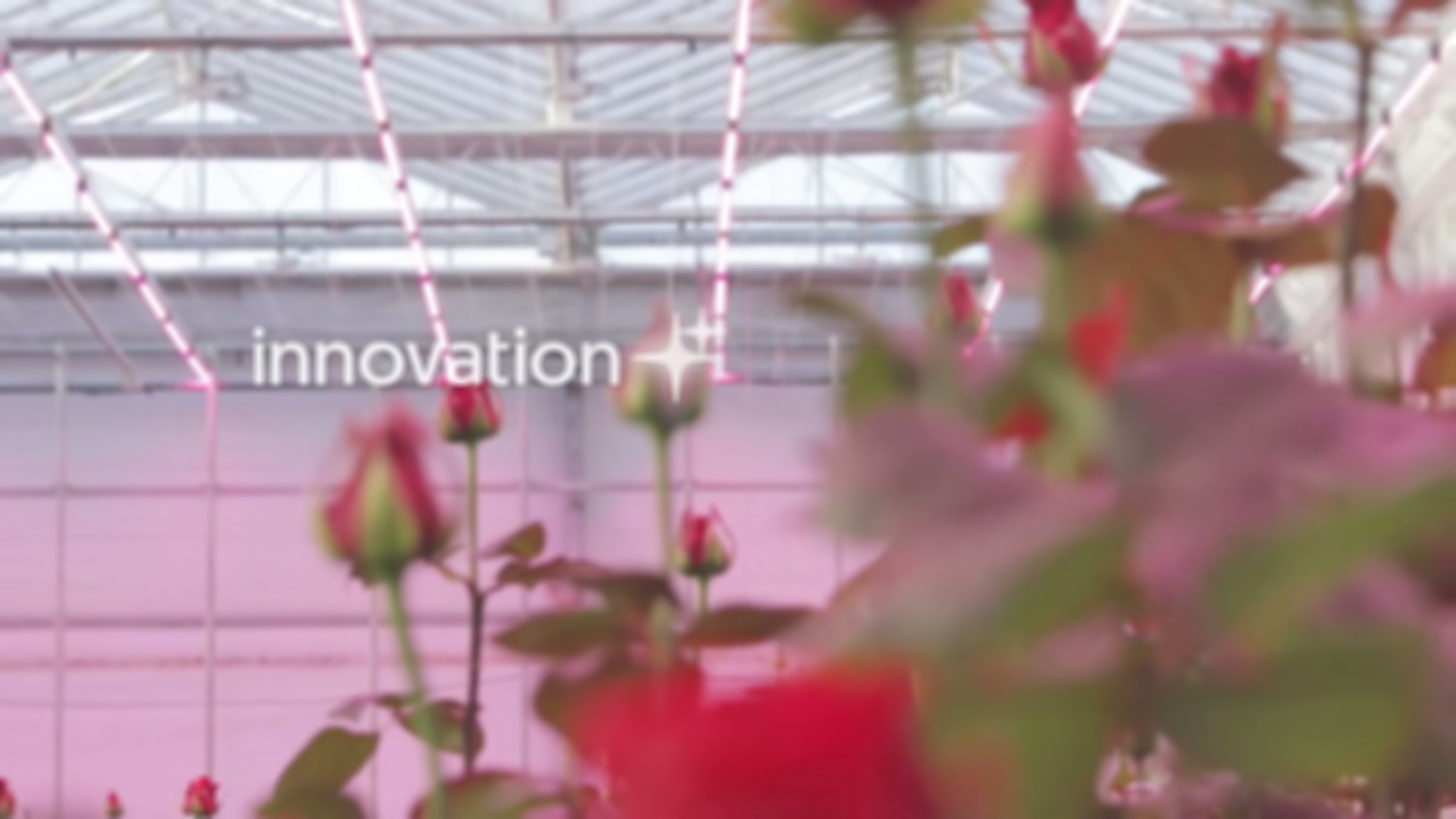 After Step 1: Circular Bokeh Blur (radius: 10)
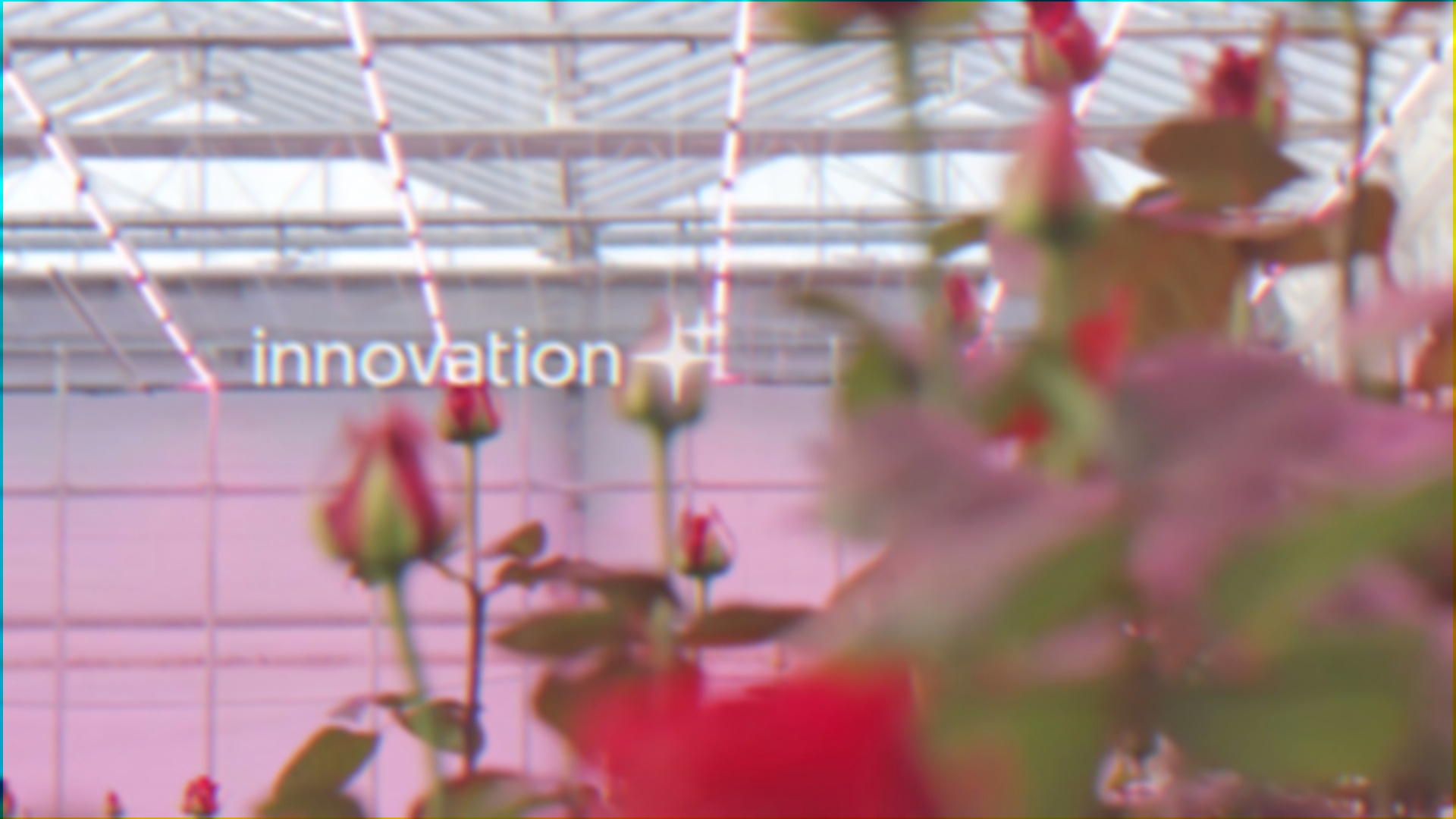 After Step 2: Chromatic Aberration (shift_x: 4, shift_y: 2)
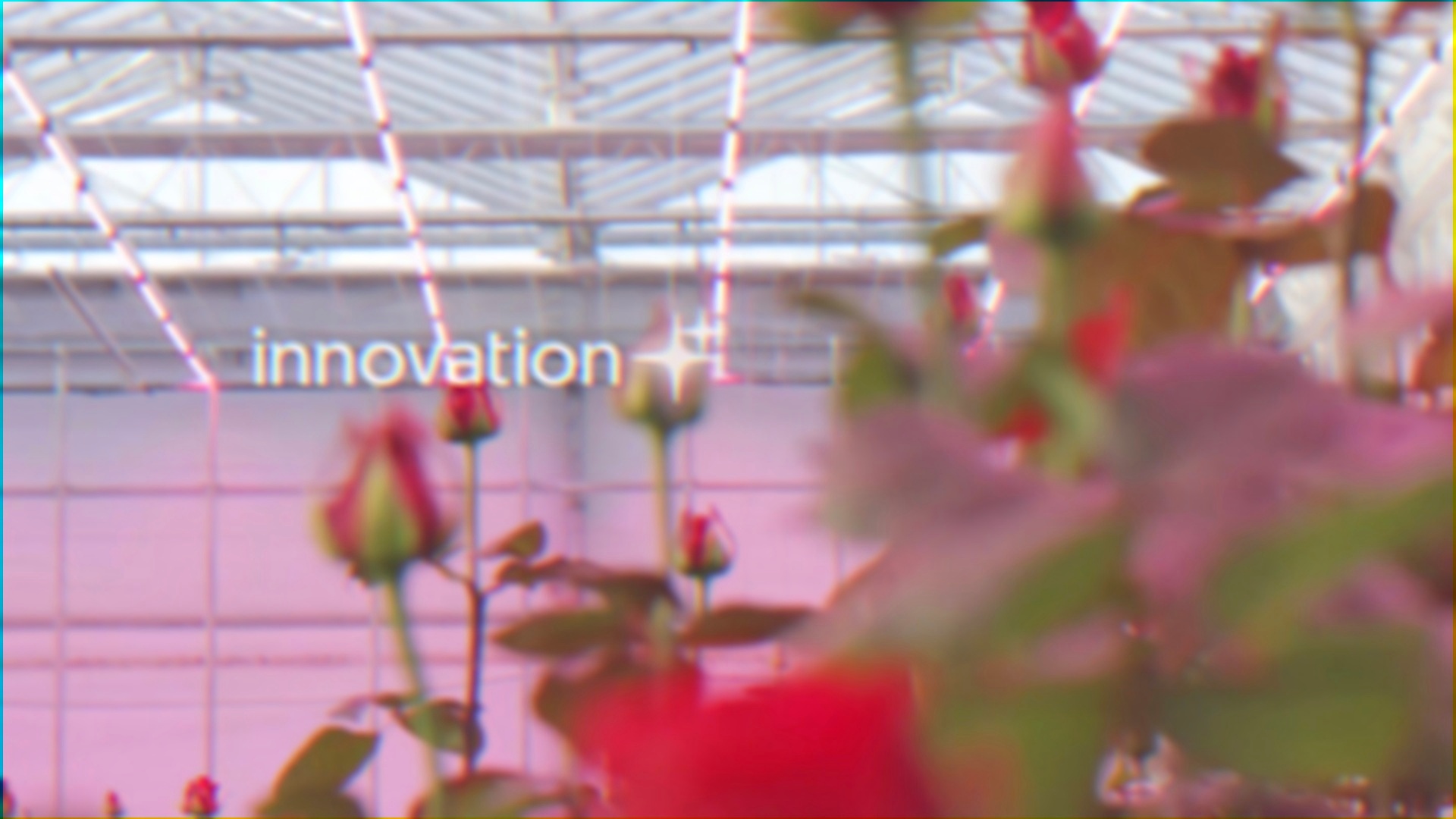 Final Result: After saturation boost (value: 1.3)
Pipeline Breakdown
1
2
3
4
5
6
7
8
9
10
11
12
13
14
15
16
17
18
19
20
steps:
  # Step 1: Bokeh blur
  - name: "bokeh"
    operation: "blur_circular"
    params:
      radius: 10

  # Step 2: Lens aberration
  - name: "lens_aberration"
    operation: "chromatic_aberration"
    params:
      shift_x: 4
      shift_y: 2

  # Step 3: Color boost
  - name: "boost_colors"
    operation: "saturation"
    params:
      mode: "fixed"
      value: 1.3
Parameter Explanation:
radius: 10- Moderate bokeh for soft backgroundsshift_x: 4, shift_y: 2- Diagonal color fringingvalue: 1.3- 30% saturation boost for vintage color
Video Segment: 192-195 seconds @ 15fps = 45 frames
What You’ll Learn
- Combining blur types with color effects
- Creating cohesive vintage aesthetic
- Diagonal chromatic aberration
- Multi-operation artistic pipelines
Learning Path
- Start with Individual Operations (Tutorials 5-10)
- Understand each effect in isolation
- Experiment with parameter ranges
- See how each operation transforms images
- Explore Parameter Variations
- Try values outside tutorial examples
- Observe subtle vs extreme effects
- Find your preferred aesthetic range
- Study Creative Combinations (Tutorials 1-3)
- See how operations layer together
- Learn effective operation ordering
- Understand cumulative degradation
- Build Custom Pipelines
- Mix operations to create unique aesthetics
- Develop your own artistic signatures
- Document successful combinations
Advanced Topics
Understanding Noise Modes
The noise operation offers three distinct modes:
1
2
3
4
5
6
7
8
9
10
11
12
13
14
15
16
17
# Film grain - per-pixel random
- operation: "noise"
  params:
    mode: "gaussian"
    amount: 0.05

# VHS scan lines - horizontal
- operation: "noise"
  params:
    mode: "row"
    amount: 0.1

# Glitch lines - vertical
- operation: "noise"
  params:
    mode: "column"
    amount: 0.15
Blur Type Selection
Gaussian vs Circular:
- Gaussian: Smooth, natural softness (portraits, glow)
- Circular: Lens-like bokeh (backgrounds, depth of field)
Chromatic Aberration Directions
1
2
3
4
5
6
7
8
# Horizontal fringing (vertical edges)
shift_x: 5, shift_y: 0

# Vertical fringing (horizontal edges)
shift_x: 0, shift_y: 5

# Diagonal fringing
shift_x: 4, shift_y: 4
Bayer Pattern Variations
1
2
3
4
pattern: "RGGB"  # Standard (most cameras)
pattern: "BGGR"  # Alternative
pattern: "GRBG"  # Alternative
pattern: "GBRG"  # Alternative
Troubleshooting
Effects Too Subtle
Problem: Can barely see the effect
Solutions:
- Increase parameter values (sigma, radius, amount, shift)
- Check intermediate outputs to verify operation ran
- Try extreme values first, then dial back
Effects Too Strong
Problem: Image unrecognizable or too distorted
Solutions:
- Reduce parameter values
- Remove operations from pipeline
- Check parameter ranges in Operations Reference
Processing Too Slow
Problem: Takes too long to process frames
Solutions:
- Reduce frame count by increasing
interval - Use fewer operations in pipeline
- Avoid large blur radii (> 30)
- Enable parallel processing (default)
Operation Not Found Error
Problem: Operation 'blur_gaussian' not found
Solutions:
- Check operation names use underscores:
blur_gaussian,blur_circular,chromatic_aberration,bayer_filter - Verify operations are registered (should be automatic)
Artistic Context
These effects explore digital media materiality through algorithmic transformation:
VHS Scanlines: Magnetic tape degradation as palimpsest of loss
Sensor Noise: Computational seeing through Bayer demosaicing
Lens Artifacts: Optical imperfection as aesthetic character
In the spirit of Rimbaud’s systematic derangement and de Groen’s clinical critique of late-stage capitalism’s nostalgia aesthetics.
Next Steps
After completing these tutorials:
- Experiment with parameters - Adjust blur amounts, noise intensities, shift values
- Create custom pipelines - Combine operations in new ways
- Try different segments - Process various video sections
- Read comprehensive docs:
- Operations Reference - Detailed operation specs
- Filter Guide - All parameter ranges
- YAML Pipeline System - Complete pipeline documentation
Questions or Issues?
- Check Operations Reference for parameter details
- Review Filter Guide for comprehensive ranges
- Report issues on the project repository
Happy experimenting with degradr-inspired effects!
Each transformation reveals the computational layers that construct seeing itself.